The One Setting 90% of Players Get Wrong (And It Is Killing Your Aim)
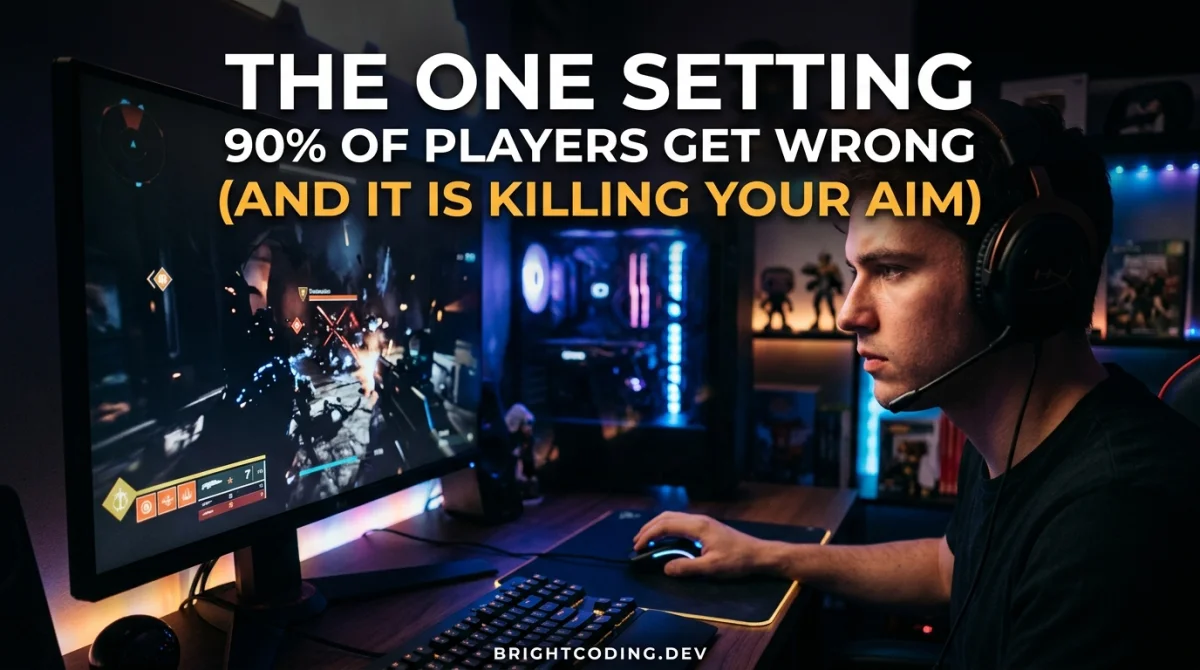
You miss the first shot, overcorrect on the flick, and the killcam shows your crosshair vibrating around the enemy's head like a broken washing machine. You blame reaction time or bad luck, but the real culprit is one number hiding in your settings: mouse sensitivity. Roughly 90 percent of players run a sensitivity that is either too high for control or too low for speed, and neither extreme lets you aim well. The good news is that fixing it takes ten minutes, costs nothing, and changes your accuracy more than any new mouse ever will.
Quick answer: the one setting killing your aim is mouse sensitivity, and it is almost always too high for mouse players or too low for controller players. Target an eDPI (DPI multiplied by in-game sensitivity) of roughly 400 to 1200 for tactical shooters, enable raw input to bypass Windows mouse acceleration, and test your speed with the 360-degree method described below.
The One Setting: Mouse Sensitivity and DPI
Mouse sensitivity is not a single number. It is a combination of two values: your mouse's hardware DPI (dots per inch) and the in-game sensitivity slider. Most players raise the slider because it feels snappy in the menu, then wonder why they overshoot every target in real matches.
Why 90 Percent of Players Get It Wrong
Humans aim with muscle memory, not with raw speed. When your sensitivity is too high, a twitch of the wrist moves your crosshair across half the screen, and micro-adjustments become impossible. When it is too low, you cannot track a strafing enemy or flick to a flanker in time.
The sweet spot sits where you can do both. As a baseline, most competitive FPS pros run between 400 and 800 DPI with in-game sensitivity set so their eDPI lands between 400 and 1200. For example, 800 DPI times 0.8 sensitivity gives an eDPI of 640, a comfortable mid-range value for tactical shooters.
The 360-Degree Method
Forget copying a pro's number. Measure what your body can control:
- Set a reasonable baseline: 800 DPI and a mid-range sensitivity.
- In an empty map or aim trainer, do one full horizontal swipe across your mousepad.
- Your crosshair should rotate roughly 360 to 540 degrees. More than that is too fast, less than 180 is too slow.
- Play ten minutes, then nudge the sensitivity in small 5 to 10 percent steps until tracking feels locked.
Precision settings like this are only half the story. To build the muscle memory that makes the number stick, follow our guide to the best mouse sensitivity for aim, which includes pro values and a calculator for your exact setup.
Raw Input: The Setting Nobody Touches
Even a perfect sensitivity fails if Windows adds its own math. Windows mouse acceleration and pointer speed both translate your physical movement into different in-game distances, which breaks your muscle memory every time you change DPI or move to another machine.
Enable raw input (sometimes labeled "raw input mouse" or "direct input") in every game that offers it. This tells the game to read your mouse directly, bypassing Windows acceleration, and it is the single most underrated setting for consistent aim.
If you want to remove the small delay between your click and the shot, check out our guide on how to reduce input lag and pair raw input with a low-latency mode like Nvidia Reflex.
Why This Kills Your Aim in Recoil-Based Games
In games with heavy recoil like Counter-Strike 2, Valorant, and PUBG, sensitivity does double duty. It must be low enough to control vertical recoil while dragging down smoothly, but high enough to correct spray drift horizontally.
With an over-high sensitivity, every recoil compensation tap becomes a violent jerk, and your pattern spirals out of control. Pros tend to sit at the low end of the eDPI range, often 400 to 800, because the extra wrist travel buys control. If your recoil control feels spastic, this is the setting to fix first.
Recoil Control Drill
- Pick a wall and fire a full magazine at it.
- Watch how far the pattern climbs.
- If your crosshair jumps around erratically, lower sensitivity by 10 percent.
- Repeat until you can hold roughly a head-sized area through a full mag.
How to Know When the Setting Is Right
The perfect sensitivity is invisible: you stop thinking about it. Two quick signals tell you it is working:
- You track a strafing dummy or moving bot smoothly without constant micro-corrections.
- Your first flick lands on target, or near enough to correct in one small motion, instead of overshooting past it.
If you still swing past targets at low sensitivity, the problem may not be sensitivity at all. Positioning and crosshair placement fix most aim issues before the shot even happens, which is exactly what our guide on how to get better at any competitive game covers.
The 10 Percent Rule
Never change sensitivity in big jumps. Muscle memory rebuilds in small increments: adjust by 10 percent, play a full session, then reassess. Big jumps feel worse and send you hunting for another setting next week.
Controller players hit the same wall from the opposite direction: their sticks often run too sensitive because dead zones and response curves are left on defaults. If you play with a pad, our guide to controller dead zone settings is the console equivalent of this article.
Key Takeaways
- Mouse sensitivity is DPI multiplied by in-game sensitivity, and both must be balanced.
- A baseline eDPI of 400 to 1200 works for most tactical shooters.
- Enable raw input to bypass Windows mouse acceleration for consistent muscle memory.
- Low sensitivity is usually the answer in recoil-heavy games.
- Change sensitivity in 10 percent steps and test over full sessions.
- If aim still suffers, the fix is positioning and crosshair placement, not another number.
Frequently Asked Questions
What is eDPI and why does it matter?
eDPI is DPI multiplied by in-game sensitivity, for example 800 DPI times 0.8 equals 640 eDPI. It gives you one number to compare across games and setups, so you can keep the same effective speed everywhere.
Is low sensitivity always better?
No. Extremely low sensitivity sacrifices turn speed and makes tracking fast enemies hard. The goal is the lowest sensitivity you can control while still turning fast enough for your game, usually somewhere between 400 and 1200 eDPI.
Does this apply to controller players?
In reverse. Controller players usually have too little control because of large default dead zones and steep response curves. Lower dead zones and flatter response curves give pad players the control that low sensitivity gives mouse players.
Conclusion
Ninety percent of players lose fights in the settings menu before the fight starts. Fix the one setting that controls every shot you take: tune your mouse sensitivity and DPI to a range you can control, enable raw input, and give your muscle memory time to rebuild. Ten minutes of setup now means cleaner flicks, steadier recoil, and more wins all month.
What sensitivity and DPI do you run? Share your exact numbers in the comments, and send this guide to a friend who keeps blaming their internet for their aim. Subscribe for more settings breakdowns and competitive gaming tips.
Ready to play?
Puzzle, arcade, 3D, word & sports games for every age — instant play, no registration.
Comments
No comments yet. Be the first to share your thoughts!