How to Create the Ultimate Racing Simulator Setup on a Budget
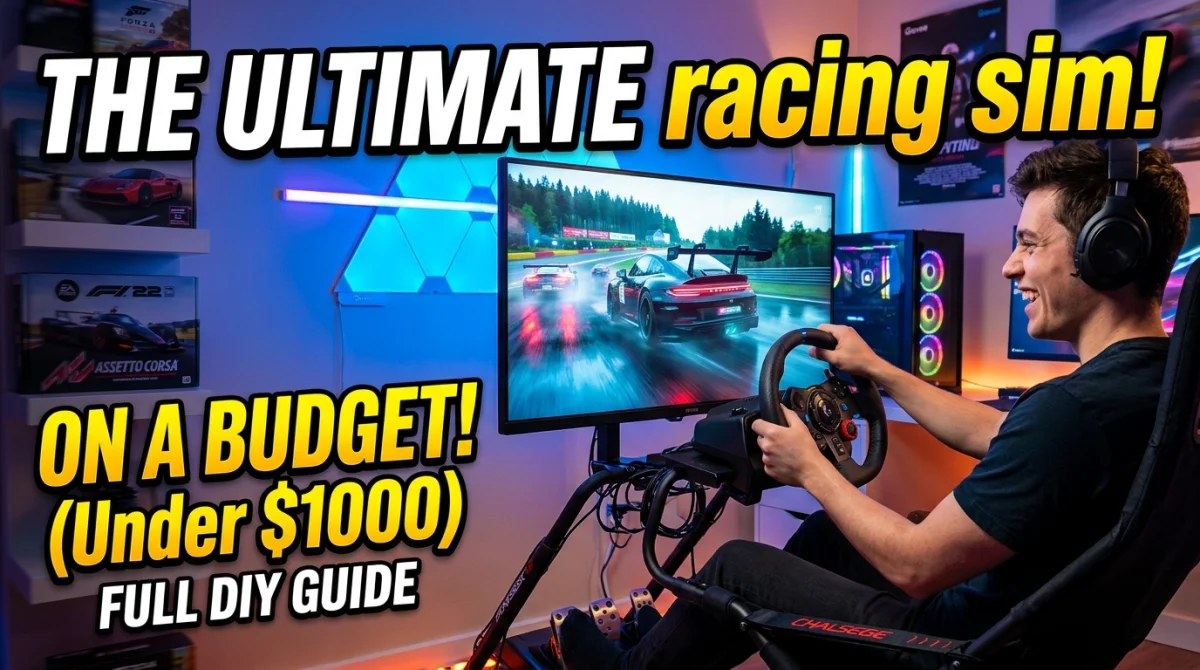
You can build a sim racing setup that feels genuinely good for a fraction of what the show-off rigs cost. By the end of this guide you will have a working cockpit, a sensible wheel and pedal choice, a stable frame, and a plan for upgrades that does not wreck your bank account. Set aside an afternoon for the first build and a couple of evenings for tuning. Most of the cost is one-time; the fiddling is free.
The trick is knowing where cheap gear is fine and where it is not. Get that right and a budget sim racing setup will embarrass setups that cost three times as much.
What you need before you start
- A space roughly 1.2m x 1.5m, ideally with a wall or sturdy desk nearby
- A PC or console that can run your chosen racing game at a steady frame rate
- A budget you have written down (seriously, write it down)
- A tape measure
- Basic tools: screwdrivers, Allen keys, maybe a drill
- Patience for menus, force feedback settings, and one frustrating afternoon
Step 1: Pick your platform before you buy anything
Decide whether you are racing on PC or console. This single choice locks in which wheels, pedals and games you can use, and it is the most common place budget buyers waste money.
PC gives you the widest hardware support, mods, and free or cheap racing games. Consoles are simpler and often cheaper second-hand, but accessories are more locked down. If you already own a decent PC, build around it. If not, a used console plus a compatible wheel is a perfectly respectable route.
Tip: Check the wheel's official compatibility list before buying. A bargain wheel that does not talk to your console is not a bargain.
Time: 30 minutes of research. Cost: nothing, but this decision saves you the most money later.
Step 2: Set a realistic total budget and split it
Write three numbers: total budget, what you will spend now, and what you will spend in six months. A rough split that works for most people is around 60 percent on the wheel and pedals, 25 percent on the frame or mounting, and 15 percent on everything else (cables, seating, a cheap monitor arm).
Prices vary wildly by region and by whether you buy new or used, so treat any figure you see online, including in this article, as an estimate to verify yourself. Browse the gaming deals and free games hub before you commit, since wheel and pedal discounts show up there more often than you would expect.
Tip: Leave 10 percent of your budget untouched. You will need it for the small stuff nobody mentions: cable ties, a longer USB cable, a spare power strip.
Step 3: Choose a wheel and pedals that punch above their price
This is where the setup lives or dies. A cheap wheel with decent force feedback beats an expensive one with none. Look for force feedback as a non-negotiable feature, and metal or at least sturdy plastic pedals.
Entry-level belt or gear-driven wheels are the sensible starting point. They are not as refined as direct drive, but on a budget they are the right call, and the used market is full of them from people upgrading. Buy used from a seller who will let you test the force feedback and check for drift in the pedals.
Tip: Pedal feel matters more than wheel feel for lap times. If you must choose, spend the extra on pedals.
Cost: wildly variable; check current listings and verify condition before paying.
Step 4: Build a frame that does not move
A wheel clamped to a wobbly desk is the fastest way to ruin a good wheel. Force feedback shakes everything, and if the desk moves, your inputs become noise.
You have three realistic options on a budget: a sturdy desk you already own with the wheel clamped tight and the desk braced against a wall, a DIY wooden rig built from timber, or an entry-level folding wheel stand. The desk is free. The wooden rig costs materials and a weekend. The stand costs money but folds away.
Tip: Whatever you choose, test it by gripping the wheel and shaking it hard. If the whole thing flexes, fix that before you race.
Time: an afternoon for a DIY rig. Cost: materials only if you go the DIY route.
Step 5: Sort your seating and pedal position
You do not need a racing seat. You need a seat that does not roll and pedals you can reach without stretching. An office chair with the wheels locked or removed works fine. So does a cheap fixed chair.
Pedal position is the overlooked part. Your legs should be slightly bent at full brake pressure, and your heels should rest naturally. If you are reaching, you will brake late and inconsistently.
Tip: Put a folded towel or a block of wood behind your chair's casters to stop it rolling under braking. Costs nothing, feels like an upgrade.
Step 6: Get the screen and field of view right
You do not need a triple-monitor array. One decent monitor at the correct distance and field of view setting will do more for your driving than extra screens.
Sit close enough that the screen fills your vision, around arm's length or a little less. Then set the in-game field of view to match your actual distance and screen size. Most games have a calculator or a setting for this; use it rather than guessing. A wrong field of view makes everything feel off and is a classic beginner mistake.
Tip: If a monitor is out of reach, a TV works. Just check the input lag in game mode and sit at a sensible distance.
Step 7: Dial in force feedback and pedal settings
Out of the box, most wheels feel either numb or violent. Spend an evening tuning. Turn force feedback down until you can hold the wheel comfortably through a long corner, then raise it slightly. Set pedal dead zones so you are not accidentally resting on the brake.
Every game handles this differently, and the tips, tricks and guides hub is a good place to find game-specific setup advice. Take notes as you go; you will want them when you switch games.
Tip: Change one setting at a time and do three laps before changing another. Otherwise you will never know what worked.
Time: one to two hours. Cost: free.
Step 8: Choose games that reward a budget setup
You do not need the newest, most expensive racing game to enjoy sim racing. Plenty of older titles still have active communities, realistic physics, and low prices, and some are free.
If you want a break from serious laps, the free browser games at the GamingUp games hub are a fun palate cleanser and cost nothing. For competitive racing, check the rank-up competitive guides once you are ready to chase lap times rather than just finish races.
Tip: Pick one game and learn it properly before buying another. Hopping between titles hides your progress.
Step 9: Plan your upgrades in the right order
Once the basics work, upgrade in this order: pedals with a load cell brake, then a sturdier frame, then a better wheel, then extra screens. That order matches what actually improves your driving.
Resist buying everything at once. Each upgrade teaches you something, and it spreads the cost over months.
Tip: Keep a wishlist with rough prices and check it monthly. Sales happen, and patience is a budget tool.
Pro tips
- Buy used wheels from sellers who let you test them, and always check for pedal drift and wheel wobble.
- A cheap load cell brake mod can transform standard pedals for a fraction of a new set. Check community forums for your specific model before buying.
- Cable management is not vanity. Loose cables snag pedals and cause mystery disconnects mid-race.
- Race in short sessions while you tune settings. Fatigue makes everything feel wrong.
- A cheap phone mount and a phone app can stand in for a data display until you can afford proper telemetry gear.
- Follow the GamingUp blog for hardware and game news so you do not miss a price drop.
Common pitfalls
- Buying the wheel first and the frame last. The frame is what makes the wheel usable. Budget for it from day one.
- Ignoring field of view. A wrong field of view makes a good setup feel terrible. Fix it before you blame the hardware.
- Overspending on the wheel and underspending on pedals. Pedals affect lap times more. Spend accordingly.
- Chasing the newest game. Older titles are cheaper and often just as good for learning.
- Skipping the settings. An untuned wheel feels broken. Give it an evening.
Useful resources
- Official wheel and pedal manufacturer support pages for driver downloads and compatibility lists
- Community forums and subreddits dedicated to sim racing, useful for used-buying advice
- In-game field of view calculators (most racing games include one)
- The free gaming tools page for anything that helps you plan or track your setup
- YouTube channels that demonstrate setup and tuning; verify advice against your own hardware
FAQ
How much does a budget sim racing setup cost? It varies hugely by region and whether you buy used. Expect a wide range, and treat any single figure online as an estimate to verify. Buying used and building a DIY frame is the cheapest route.
Can I use a controller instead of a wheel? Yes, and plenty of fast drivers do. But a wheel with force feedback is the single biggest upgrade for immersion and consistency. Start with a controller if your budget is tight, then save for a wheel.
Do I need a gaming PC? No. A console plus a compatible wheel is a solid budget route. A PC gives you more hardware and game options, but it is not required.
How long does it take to build the setup? The first build takes an afternoon. Tuning force feedback and field of view takes another evening or two.
Is a DIY wooden rig worth it? If you have basic tools and space, yes. It is cheap, sturdy, and you can modify it. If not, a folding wheel stand is the practical alternative.
Final word
You do not need the best gear to have a great time. You need a stable frame, a wheel that talks back, pedals you can feel, and a field of view that makes sense. Get those four things right and your budget setup will keep up with far more expensive rigs.
Start with what you have, upgrade in the right order, and enjoy the laps in between.
Ready to play?
Puzzle, arcade, 3D, word & sports games for every age — instant play, no registration.
Comments
No comments yet. Be the first to share your thoughts!