Keyboard vs Controller vs Steering Wheel: Which Makes You Faster?
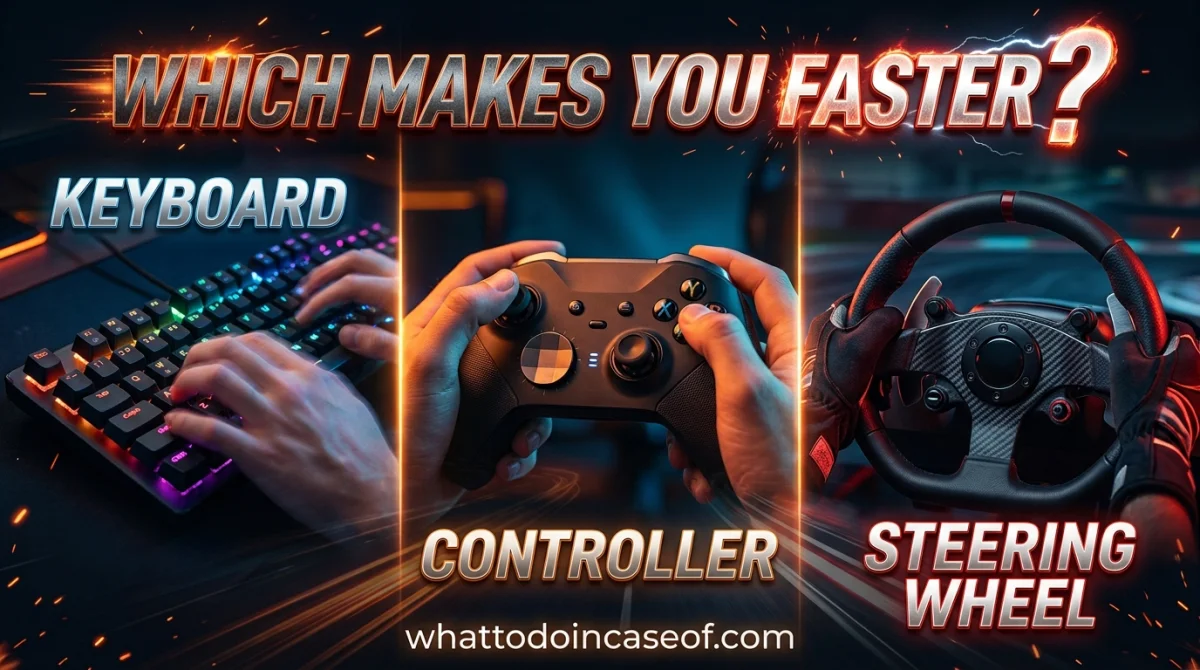
You have probably watched a lap record video, squinted at the input overlay, and felt a small pang of injustice. Wheel user? Controller? The answer is rarely the one people want. If you are searching for a straight answer to keyboard vs controller vs steering wheel, here it is up front: the fastest input is the one that matches the game, the track, and how much time you are willing to spend learning it. That sounds like a cop-out, so let me prove it with specifics.
This matters because input choice quietly sets your ceiling. Pick the wrong one for your discipline and you will practice for months against a wall you cannot see. Pick the right one and your first week feels clumsy, then everything clicks.
Why Your Input Choice Feels Like a Wall
Racing games look like they measure speed. They actually measure smoothness. Every car has a grip limit, and the fastest line is the one that stays just under that limit for as long as possible. Your input device decides how precisely you can ride that edge.
A keyboard sends full lock or nothing. A controller sends a smooth curve through a tiny stick. A wheel sends a smooth curve through a big arc with your whole arm. Same corner, three very different amounts of information reaching the game.
There is a second factor people forget: the game itself. Some sims are built around steering ratios and force feedback. Others are arcade racers where a keyboard is genuinely competitive because the physics are forgiving. If you want a broader look at how different genres reward different skills, the game genres explained hub is a good place to recalibrate.
Why It Happens: Analog vs Digital, Explained Simply
Here is the core mechanic. Analog input has range. Digital input has two states.
On a keyboard, holding "A" is 100 percent left steering. Tapping it repeatedly is your only way to fake a partial turn, and that produces a jerky, sawtooth steering trace. On a controller, the stick gives you maybe a few hundred distinct positions, though stick travel is short, so fine adjustments near center are hard. On a wheel, you get a much longer physical travel path, plus force feedback telling you what the front tires are doing.
That last part is the real difference. A wheel does not just steer more smoothly. It communicates. You feel understeer as the rim goes light, oversteer as it snaps, and the curb through the rim before you see it. Controllers and keyboards give you almost none of that, though modern racing games add vibration cues that help.
Counterpoint: not every game rewards this. In a game with heavy assists, a controller player can match a wheel player for a long time. Assists hide the exact feedback a wheel is designed to exploit.
The Solutions: What Each Input Actually Does For You
Keyboard: the honest ceiling
What it is: Two-state steering and triggers. Cheap, universal, zero setup.
How it works: Taps and counter-taps approximate analog steering. Skilled keyboard players develop a rhythm, almost like drumming, to hold a corner.
Advantages: No cost, no desk space, works on any PC. In arcade racers and some older titles it is genuinely fine.
Disadvantages: No throttle modulation, no steering nuance, and trail braking is basically guesswork. On tight technical circuits you lose time in every corner.
When it makes sense: Casual play, browser racers, arcade titles, or when you just want to jump in. If that is you, our free browser-games hub has racing titles you can play right now without buying anything.
Cost: Free, since you already own one.
Controller: the pragmatic middle
What it is: A gamepad with analog sticks and analog triggers.
How it works: The left stick handles steering, triggers handle throttle and brake with real range. This is the default competitive input for most racing games.
Advantages: Analog steering and braking for a fraction of a wheel's price. Comfortable for long sessions. Many racing games are tuned around it. It is also the input most world-record runs in arcade racers use.
Disadvantages: Short stick travel limits precision. No force feedback through your hands in the way a wheel provides. Throttle control on a trigger is decent but not great.
When it makes sense: Almost always, unless you are going deep into simulation racing or you have money and space to spare.
Cost: Roughly 40 to 70 dollars for a solid wired or wireless pad, depending on brand and region. Verify current prices, they move.
Steering wheel: the endgame, with a tax
What it is: A force-feedback wheel and pedal set, usually clamped to a desk or mounted to a rig.
How it works: A motor in the wheelbase resists your steering based on what the game's physics engine says the tires are doing. Pedals give you long-travel throttle and brake, sometimes with a load cell that measures pressure rather than distance.
Advantages: The most precise steering input available, plus genuine feedback. Load cell brakes make consistent braking dramatically easier. It is also, frankly, more fun.
Disadvantages: Cost, space, and setup time. A cheap wheel without force feedback is often worse than a controller. Direct drive wheels cost serious money, and a rig to hold everything can cost as much as the wheel.
When it makes sense: Sim racing, iRacing-style competitive ladders, rally sims, and anyone who wants immersion as much as lap time.
Cost: Budget force-feedback bundles start around 200 to 300 dollars. Mid-range setups with a load cell brake commonly land in the 400 to 800 dollar range. Direct drive plus a rig can run well past 1,500 dollars. Treat all of these as rough estimates and check current listings.
So Which One Is Actually Faster?
It depends on three things: the game, the discipline, and your patience.
| Situation | Fastest realistic pick | Why |
|---|---|---|
| Arcade racer, short sessions | Controller | Games are tuned for it, analog steering still matters |
| Browser or retro racer | Keyboard | Physics are forgiving, no analog needed |
| Sim racing, technical circuits | Wheel with load cell pedals | Precision and feedback compound over a lap |
| Rally or drifting | Wheel, controller close behind | Counter-steering speed favors a wheel, but a good pad player can keep up |
| Tight budget, competitive ambitions | Controller first | Best lap-time-per-dollar by a wide margin |
The uncomfortable truth: a fast controller player beats a slow wheel player every single time. The wheel raises your ceiling, not your floor. It will not make you quicker on day one. It will probably make you slower for a week or two while you relearn braking.
If you are chasing leaderboard positions, check the rank-up competitive guides for the habits that matter more than hardware: consistent braking points, reference markers, and clean laps.
Step-by-Step Action Plan
- Name your game and your goal. Casual fun, or a specific lap time? Write it down.
- Check what the fastest players in your game actually use. Watch their input overlays, not their hardware sponsorships.
- If you are on keyboard and enjoying yourself, stay there. Do not buy hardware to solve a motivation problem.
- If you are on keyboard and hitting a wall in a sim, buy a controller first. It is the cheapest meaningful upgrade.
- Only move to a wheel if you race at least a few hours a week and have desk or floor space for it. A wheel in a closet is a 300 dollar paperweight.
- When you do buy a wheel, prioritize force feedback and a load cell brake over cosmetics. Skip non-force-feedback wheels entirely.
- Give any new input two weeks of deliberate practice before judging it. Do not compare your first wheel lap to your hundredth controller lap.
Common Mistakes to Avoid
- Buying a wheel to fix bad habits. Fix your braking points first. A wheel amplifies whatever technique you already have.
- Skipping force feedback to save money. A cheap non-FFB wheel teaches you nothing. Save longer or buy a controller.
- Ignoring pedal setup. Braking consistency wins more time than steering precision. A load cell brake is often the bigger upgrade.
- Practicing without a reference. Lap after lap with no target is just mileage. Compare telemetry or ghost laps.
- Switching inputs mid-session. Every switch resets your muscle memory. Commit for at least a week.
- Assuming assists are cheating. In many games they are legal and fast. Check the ruleset before you dismiss them.
Expert Takeaway
The single most important lesson: your input device is a multiplier, not an addend. It multiplies the quality of your technique. If your braking is sloppy, a wheel multiplies that too. Get fast on the cheapest input you enjoy, then upgrade when the hardware, not your habits, is the bottleneck.
FAQ
Is a steering wheel faster than a controller?
In simulation racing on technical circuits, yes, mostly because of force feedback and load cell braking. In arcade racers, the gap shrinks to almost nothing, and plenty of top times are set on a controller.
Is keyboard or controller better for racing games?
Controller, in almost every case where the game supports analog input. Keyboard steering is on or off, which costs you time in every corner. Keyboard only holds up in arcade and browser racers with forgiving physics.
Do I need a steering wheel to be competitive in sim racing?
At the highest levels of serious sims, you will struggle without one. In mid-tier lobbies, a disciplined controller player can absolutely win. Skill and consistency matter more than the rim in your hands.
How much should I spend on my first racing wheel?
Aim for a force-feedback bundle with decent pedals, roughly 200 to 300 dollars in most regions. Below that, you are usually better off with a controller. Prices shift often, so check current listings before committing.
Can I get faster without buying anything?
Yes. Braking consistency, reference points, and clean laps are free. If you want a low-pressure place to build those habits, try the daily challenge and treat each run as a practice lap, not a race.
Ready to play?
Puzzle, arcade, 3D, word & sports games for every age — instant play, no registration.
Comments
No comments yet. Be the first to share your thoughts!