How to Tune Your Car for Maximum Speed and Acceleration
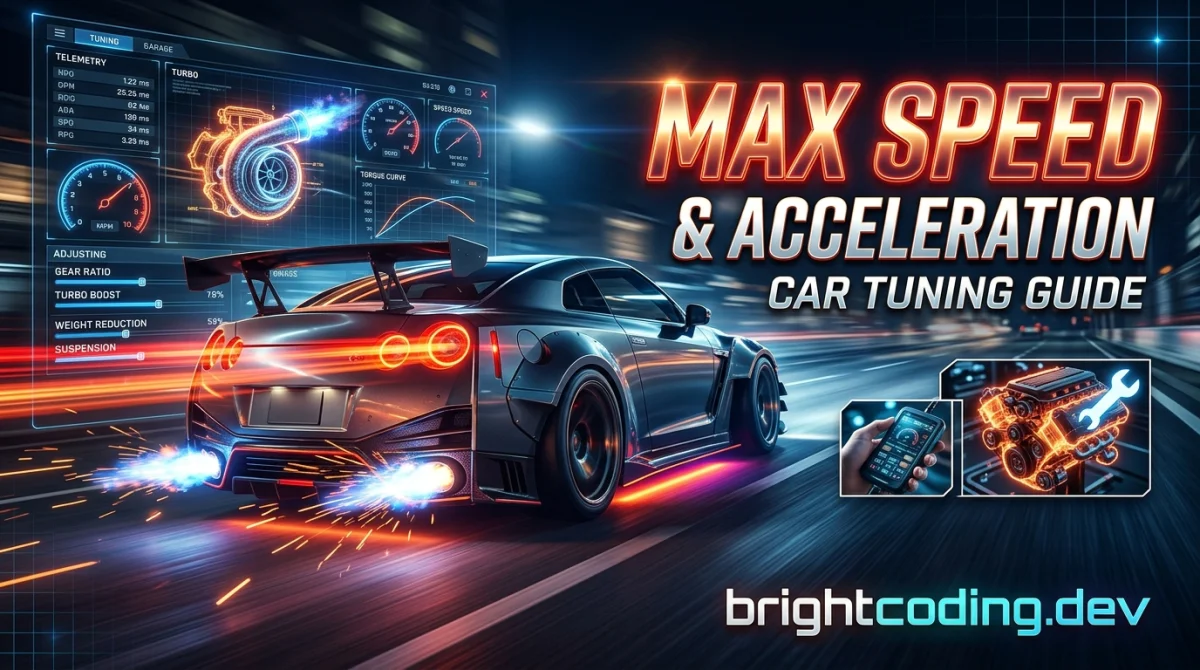
Tuning for speed is not one magic slider. It is a chain of small decisions, and the weakest link decides your lap time. Get the order wrong and you will spend an hour chasing a problem that a two minute gearbox tweak would have fixed.
By the end of this guide you will be able to take a stock car in almost any racing game, set it up for straight line speed or hard acceleration, and know which changes to make first when it still feels slow. Budget 20 to 40 minutes per car once you know the menus. The first car takes longer because you are learning where everything lives.
What you need before you start
- A car you actually enjoy driving. Tuning a car you hate is homework.
- Access to a test track, time trial, or free run mode. You need repeatable laps, not random races.
- A notebook, phone note, or spreadsheet to log your changes. Memory lies.
- Knowledge of your game's tuning menu layout. If you are new to a genre, the game genres explained hub is a decent place to get your bearings on what kind of racing you are actually playing.
- Patience for two or three baseline laps before you touch anything.
Step 1: Set a baseline before you change a single part
Drive the stock car for three clean laps on a track you know. Write down your best lap and where you lose time: slow corner exit, top speed on the straight, wheelspin off the line.
Why it matters: without a baseline you cannot tell whether your tuning helped or whether you just drove better on lap four. Every change after this gets compared against that number.
Practical tip: pick a short track. Long tracks hide problems because you spend most of the lap at steady speed. A tight circuit exposes acceleration and grip issues in seconds.
Step 2: Decide what you are actually building
"Maximum speed" and "maximum acceleration" pull in opposite directions. A car geared for a 300 km/h top end will feel like a slug out of slow corners. A car built for launch will hit the limiter halfway down the main straight.
Pick one:
- Top speed build: long gearing, low downforce, power focused on the top of the rev range.
- Acceleration build: short gearing, more mechanical grip, power focused low and mid range.
- Compromise build: what most online lobbies actually reward. Slightly short gearing, moderate downforce.
Practical tip: check what the track rewards before you commit. If the longest straight takes less than about eight seconds to cross, build for acceleration. You will almost never use the top end.
Step 3: Start with tires and weight, not power
This is the step most players skip, and it is why their 900 horsepower car still loses. Grip and weight decide whether your power actually reaches the road.
- Fit the grippiest compound your game allows for the conditions. Slicks on a dry track, wets in rain, no exceptions.
- Strip weight where the rules allow: interior, sound deadening, spare tire, lighter wheels, lighter seats.
- Keep a rough front to rear weight balance in mind. Yanking 100 kg off the rear of a front heavy car can make it nervous under braking.
Why it matters: a lighter car accelerates, brakes, and turns better with the same engine. It is free performance compared to adding power.
Practical tip: in most sims, weight reduction gives a bigger lap time gain per credit spent than an engine upgrade. Verify the numbers in your specific game, since balance patches change this.
Step 4: Build the power curve in the right order
Do not just max out every engine part. Build in this sequence:
- Intake and exhaust, so the engine can breathe.
- Cams and cylinder head work if your game separates them.
- Turbo or supercharger if you want big gains, but expect lag.
- ECU and fuel mapping last, to tie it together.
Why it matters: bolting a huge turbo onto a restricted engine just moves the bottleneck. You pay for power you cannot use.
Practical tip: watch the power and torque graph, not the peak number. A car with 400 hp spread across a wide band will beat a peaky 450 hp car on most tracks. If your game shows a dyno curve, use it.
Step 5: Gear for the track, not for the spec sheet
Gearing is the single most powerful acceleration tool in almost every racing game, and it is free.
- Shorten the final drive to improve acceleration, at the cost of top speed.
- Adjust individual gears so you land in the power band after each shift.
- Set the top gear so you just hit the limiter at the end of the longest straight, not before.
Why it matters: a perfectly tuned engine connected to lazy gearing feels broken. Fixing the ratios can knock a second off a lap without touching the engine.
Practical tip: if you bounce off the limiter before the braking zone, your gearing is too short. If you never reach peak power revs, it is too long. Aim for the engine to sit right at peak power as you cross the line.
Step 6: Tune suspension and alignment for the corners you have
Speed is not just the straight. If you lose 0.4 seconds per corner, the straight does not matter.
- Soften springs slightly for more mechanical grip on bumpy surfaces, stiffen them for flat tracks and quick direction changes.
- Add negative camber for cornering grip, but do not overdo it or you will lose braking stability.
- Adjust anti roll bars to balance understeer and oversteer. Stiffer front equals more understeer, stiffer rear equals more oversteer.
- Set ride height as low as the track allows without bottoming out.
Practical tip: change one setting at a time and do two laps. If you change three things and the car improves, you have no idea which one did it.
Step 7: Dial in downforce and drag
Downforce is a trade. More wing equals more cornering grip and more drag, which costs top speed.
- High speed tracks: minimum downforce, accept a nervous car in slow corners.
- Technical tracks: more downforce, accept a lower top speed.
- Acceleration builds usually want moderate rear downforce to stop wheelspin on corner exit.
Practical tip: if you are spinning the rear wheels at 100 km/h in third gear, add rear downforce or soften the rear springs before you touch the engine again.
Step 8: Fix the launch and the brakes
Off the line and into the corner are where races are won, and both are tunable.
- Lower the first gear ratio and adjust the launch RPM if your game has it.
- Move brake bias slightly forward for stability, slightly rearward for sharper turn in.
- Upgrade brake discs and pads before you add more power. Stopping is part of going fast.
Practical tip: practice standing starts ten times. Launch consistency matters more than a perfect theoretical setup, especially in online races.
Step 9: Test, log, and iterate
Go back to your baseline track. Run three laps. Compare.
Change one variable. Run three more. Keep what works, revert what does not. This loop is the actual skill. Everything above is just the vocabulary.
Practical tip: save multiple setups. A "Monza" tune and a "Monaco" tune for the same car will look almost nothing alike, and swapping between them is faster than retuning from scratch.
Pro tips
- Tune for your worst corner, not your best one. Fixing the corner where you lose the most time beats polishing one you already nail.
- Copy a setup, then adjust. Community setups give you a strong starting point. Change gearing and downforce to suit your track rather than running someone else's tune blind.
- Rear grip wins online races. Most lobby chaos comes from cars that cannot put power down. Understeer is annoying, oversteer ends your race.
- Do not tune tired. Setup work after a long session produces changes you will undo tomorrow.
- Learn one car deeply. Ten hours in a single chassis teaches you more than two hours each in five cars.
- Check for free setups and tools. The free gaming tools page has utilities worth bookmarking, and the rank-up competitive guides cover the driving side of the same problem.
Common pitfalls
Chasing peak horsepower. Big numbers feel good and often make the car slower. Power you cannot put down is wasted weight.
Changing five things at once. You will never know what worked. One change, two laps, repeat.
Ignoring the driver. A perfect tune in the hands of someone braking 20 metres late is still a wall. If you want to sharpen the human side, the tips, tricks and guides hub is a good next stop.
Copying a top speed tune for a technical track. Gearing and downforce built for a long straight will ruin you in the corners.
Never testing. A setup that feels fast in your head is not the same as a setup that is fast on the clock. Trust the lap timer.
Useful resources
- Your game's official tuning documentation or in game help. Boring, but it tells you exactly what each slider does.
- Community setup sharing sites and forums for your specific title. Quality varies wildly, so test before you trust.
- A simple spreadsheet for logging changes. Columns for part, setting, lap time, and notes.
- Real world driving theory on racing lines, braking points, and weight transfer. It transfers to games more than people admit.
- The GamingUp blog for related racing and competitive write ups, and the free browser games hub if you want something to play between tuning sessions.
FAQ
How long does tuning take? First car, roughly 30 to 60 minutes including testing. Once you know the menus, 10 to 20 minutes per car. Full setups for a new track can take longer.
Is more power always better? No. Past a certain point, extra power just creates wheelspin and heat. Grip and gearing usually give better returns.
Should I use other people's setups? As a starting point, yes. As a final answer, no. Your driving style and your track need their own tweaks.
What is the single most important setting? Gearing for acceleration builds, downforce for top speed builds. If forced to pick one overall, gearing wins more often than people expect.
Why is my car slower after tuning? Usually too much power, too little grip, or a change you did not test individually. Revert to baseline and add one part at a time.
Go break some lap records
Tuning is not magic and it is not gatekeeping. It is a loop: baseline, change one thing, test, keep or revert. Do that ten times and you will out-tune half the lobby. Pick a car tonight, set a baseline, and start with tires and weight. The rest follows. If you want a warm up before you commit to setup work, the daily challenge is a quick way to sharpen your hands first.
Ready to play?
Puzzle, arcade, 3D, word & sports games for every age — instant play, no registration.
Comments
No comments yet. Be the first to share your thoughts!