How to Make Any Car Easier to Control in Racing Games
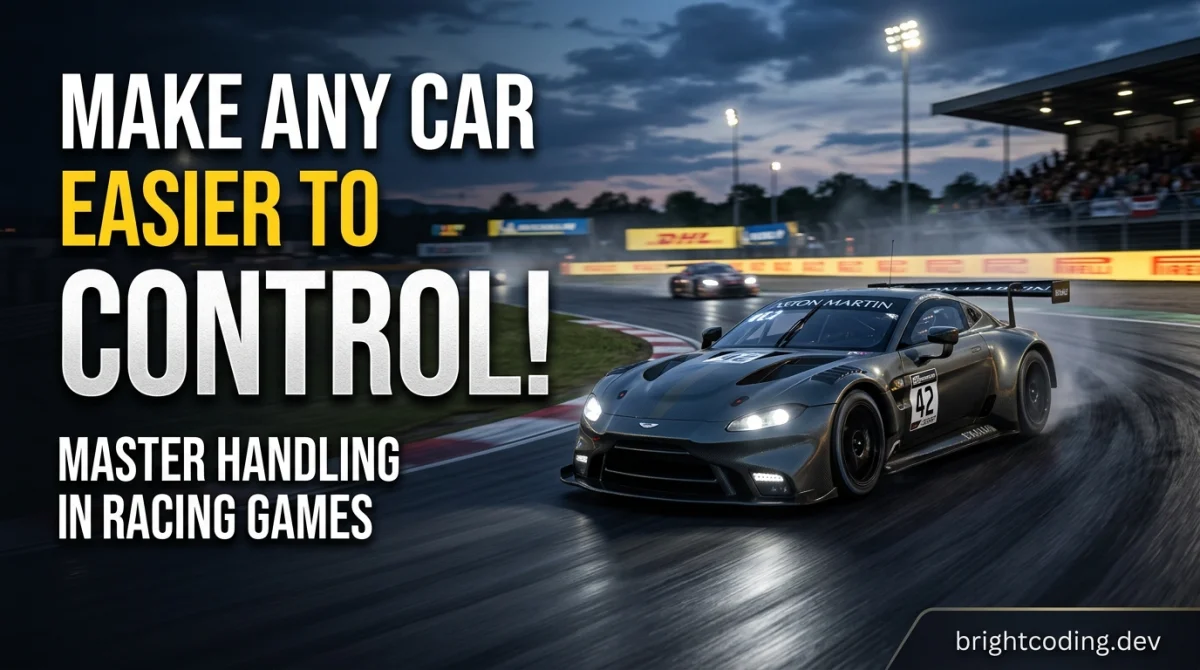
How to Make Any Car Easier to Control in Racing Games
You do not need a $500 wheel to stop a car from feeling like it is on ice. In the next 20 to 30 minutes you can work through the steps below and come away with a car that actually goes where you point it. The same method works in arcade racers, sims, and everything in between, because the problems are almost always the same: wrong setup, wrong assists, and a driving habit you did not know you had.
What you need before you start
- The game installed and a track or free-roam mode you know reasonably well.
- A controller, wheel, or keyboard. Any of them can work; a wheel is not required.
- Five minutes in the settings menu, and the willingness to change one thing at a time.
- A notebook or your phone's notes app. Writing down what you changed saves you from guessing later.
- If the game has a test track or practice mode, use it. That is where you do most of this work.
Step 1: Fix your inputs before you touch the car
Every handling complaint starts here. If your steering is twitchy or your throttle is either off or full, no setup will save you.
In the controls menu, look for steering sensitivity, steering deadzone, throttle and brake deadzone, and (if available) steering linearity or a "speed-sensitive steering" option. Drop sensitivity first if the car darts around on straights. Raise the deadzone slightly if the car drifts or steers on its own when your thumb is off the stick.
Why it matters: a car that feels unpredictable is often just a car receiving messy inputs. Clean inputs make a bad car driveable and a good car feel great.
Tip: change one slider, drive two laps, then decide. Changing four settings at once tells you nothing. Rough time cost: about 10 minutes per car, less once you know your preferences.
Step 2: Set your assists on purpose, not by default
Most racers ship with assists tuned for a first-time player, or for nobody in particular. Go through the assist menu in order: traction control, stability control or steering assist, ABS, braking assist, and the racing line.
Here is the trade-off in plain terms:
| Assist | What it does | Keep it on if | Turn it down if |
|---|---|---|---|
| Traction control | Stops wheelspin on acceleration | You spin on corner exits | You feel the car bogging down |
| Stability/steering assist | Nudges the car straight | The car feels nervous at speed | You want to feel the weight transfer |
| ABS | Prevents lockups under braking | You brake late and often | You want finer trail braking |
| Braking assist | Brakes for you | You are learning a new track | Always, once you are comfortable |
| Racing line | Shows the ideal path | You are learning a circuit | You know the corners |
Tip: turn braking assist off first. It teaches bad habits faster than any other assist. If you want a broader read on how different racing subgenres handle assists, the game genres explained hub is a good place to start.
Step 3: Tune tyre pressure and alignment (if the game allows it)
Not every game lets you tune. If yours does, start with tyre pressure and alignment before you touch springs or dampers.
Lower tyre pressure a little for more grip but slower response. Higher pressure for sharper turn-in but less grip, especially in the wet. For alignment, a touch of negative camber up front helps cornering grip at the cost of straight-line braking. Toe-out up front makes the car turn in more eagerly; too much and it feels nervous on straights.
Why it matters: these three settings change how the car feels more than almost anything else, and they are the easiest to reverse if you get it wrong.
Tip: make small changes. If the game uses a 0 to 10 scale, move one or two clicks, not five. Write down your baseline first so you can always go back.
Step 4: Adjust the differential and brake balance
The differential is the setting most players ignore and then complain about. If the car spins on corner exit, lower the power/locking side of the diff. If it refuses to rotate on entry, raise the coast side slightly. Brake balance is the other half of the same coin: shift it forward to stop rear-end instability under braking, shift it back if you want the rear to help you rotate.
Tip: the differential is the single most useful handling dial in most sims. Spend five minutes on it and you will feel the difference immediately. If you want to sharpen your competitive instincts alongside the setup work, the rank-up competitive guides cover racecraft that pairs well with a better-handling car.
Step 5: Sort the suspension and ride height
Ride height first: lower is generally more stable, higher soaks up bumps. If the car bottoms out on kerbs or bumps, raise it a notch. Then springs and dampers. Softer springs help mechanical grip on uneven surfaces; stiffer springs make the car more responsive but less forgiving.
Why it matters: a car that bounces or skips over kerbs is a car you cannot trust, and trust is most of driving fast.
Tip: if the game has a test track with kerbs, use it. Drive over them deliberately. If the car launches, soften the suspension or raise the ride height a little.
Step 6: Set the car up for the track, not for a screenshot
A setup that works on a smooth circuit will fight you on a bumpy street track. Look at the track before you tune: how many slow corners, how much elevation, how bumpy, how wet. Add downforce for corner-heavy tracks, take it off for long straights. Soften the car for bumpy surfaces.
Tip: save setups as named presets. Most games let you do this, and it turns a 20-minute tuning session into a two-click job next time.
Step 7: Practise one corner, not the whole lap
This is the step people skip. Pick a single corner you struggle with and drive it 20 times. Brake earlier than you think, get the car settled, then build speed back up. Do not chase lap times yet.
Why it matters: control is a skill, not just a setting. The same car will feel different once you know how it reacts under braking.
Tip: use the game's telemetry or replay if it has one. Watching your own inputs back is humbling and extremely useful.
Pro tips
- Learn to brake in a straight line before turning. Most spins start with brakes and steering at the same time.
- Squeeze the throttle on exit rather than stabbing it. Even with traction control on, smooth is faster.
- If a car feels undriveable, try a different car in the same class. Sometimes the problem is the car, not you.
- Keep a "known good" setup saved for every car you drive regularly. It is your reset button.
- Practise in the rain occasionally. Wet driving exposes every bad habit, and dry driving feels easy afterwards.
- Use a free browser racer for quick handling practice when you only have ten minutes. The free browser-games hub has short-session games that are perfect for that.
Common pitfalls
Changing too many settings at once. You will not know what fixed it, and you cannot undo it cleanly. Change one thing, test it, then move on.
Leaving every assist on and wondering why the car feels numb. Assists are a safety net, not a driving style. Wean yourself off them gradually.
Copying a setup from a video without checking the context. That setup was tuned for a specific track, car, and often a specific driving style. Use it as a starting point, not gospel.
Tuning before you can drive consistently. A setup cannot fix inconsistent inputs. Get your braking and throttle smooth first.
Ignoring tyre temperature and wear. In sims, a cold or worn tyre behaves nothing like a fresh one. Check the tyre screen if the game has one.
Useful resources
Game-specific setup forums and community wikis are usually more useful than generic advice, because they deal in your game's actual numbers. Look for the official subreddit or community forum for your title. For broader reading, the tips, tricks & guides hub collects practical guides across genres, and the free gaming tools page has utilities that can help with planning and practice. If you want to see how other players rank the racers worth your time, the best games ranked lists are a good browse.
FAQ
Do I need a steering wheel to get better car handling? No. A controller with sensible sensitivity and deadzone settings is more than enough for most games. A wheel adds immersion and finer inputs, but it will not fix a bad setup.
Why does my car spin on corner exit? Usually too much throttle too early, or a differential that is too aggressive. Smooth the throttle and lower the power/locking side of the diff.
Should I turn traction control off completely? Not at once. Reduce it step by step and only remove it when you can drive consistently without it. Some games reward leaving a little on.
How long does it take to tune a car properly? Budget 20 to 40 minutes for a first proper setup on a car you know, and less once you have your baseline saved. Approximate, and it depends heavily on the game.
Does tuning matter in arcade racers? Less than in sims, but assists and controller settings still matter a lot. In arcade games, fixing your inputs is usually the whole job.
One last thing
You do not need to be a setup wizard. Most of the improvement comes from three boring habits: clean inputs, assists set on purpose, and one change at a time. Work through the steps above on a single car this week and you will feel the difference by the weekend. Then take that same method to the next car, and the one after that.
Ready to play?
Puzzle, arcade, 3D, word & sports games for every age — instant play, no registration.
Comments
No comments yet. Be the first to share your thoughts!