How to Drive Faster With Driving Assists Turned Off
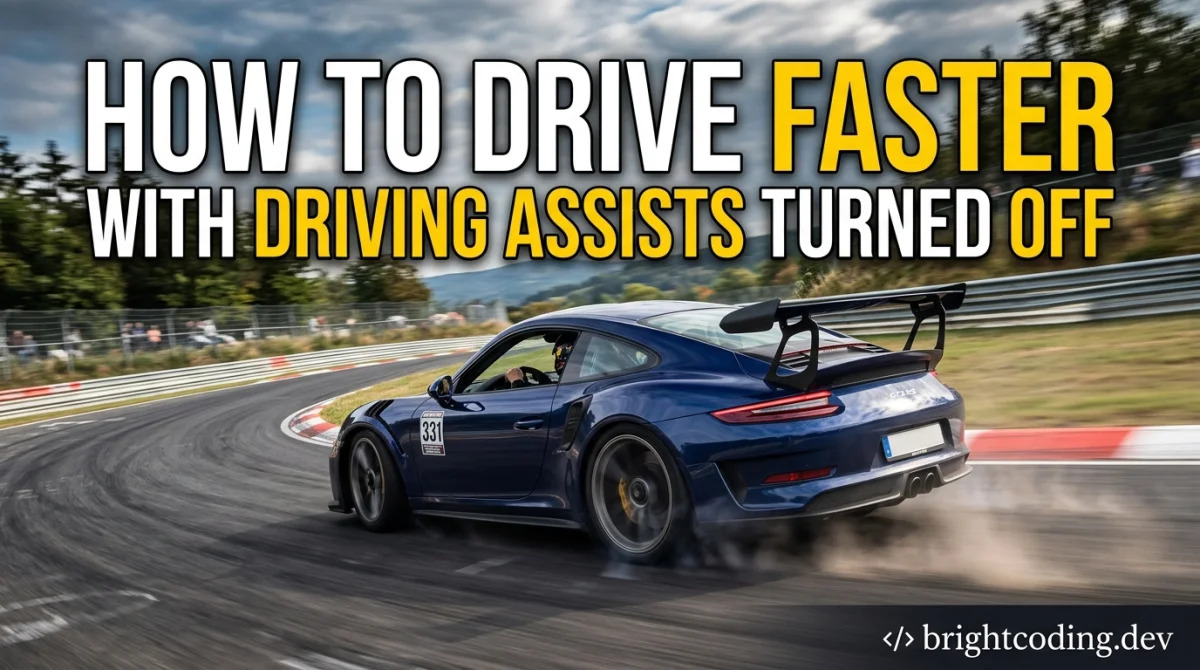
Turning assists off feels like a punishment at first. The car spins, the brakes lock, and you wonder why anyone would choose this. Then something clicks: you start braking later than the assist ever allowed, catching slides the game used to correct for you, and your lap times drop below what the safety net could ever produce.
By the end of this guide you will know how to make that switch without losing your mind. Specifically: how to strip assists back one at a time, what to practice in between, how to read the car when there is no electronic nanny, and how to build the muscle memory that makes clean, fast laps repeatable. Plan on a few short sessions over a week or two rather than one heroic evening. Rough time estimate: 6 to 10 hours of deliberate practice to feel genuinely comfortable, longer if you are moving from full assists straight to none.
What you need before you start
- A racing game with adjustable assists (most sims and simcades let you toggle traction control, ABS, stability control, racing line, and auto-braking separately).
- A controller or wheel you are already used to. Switching hardware and switching assists at the same time is a recipe for quitting.
- One track you know well. Learning a new circuit while learning a car with no help is twice the load.
- A way to see lap times and, ideally, telemetry or a replay. You need feedback, not vibes.
- Patience for about 30 to 45 minutes per session. Short and focused beats a three-hour grind.
Step 1: Pick one car and one track and commit
Choose a mid-power rear-wheel-drive car, something in the region of 300 to 450 horsepower in most games, and a circuit with a mix of slow corners and one long straight. Do not start with a 900 horsepower hypercar. That is like learning to juggle with knives.
The reason is simple: assists hide mistakes, and a twitchy car generates so many mistakes that you cannot tell which one caused the spin. A calmer car gives you readable feedback.
Tip: Save a replay of your best assisted lap now. In two weeks you will want to compare your braking points directly. Approximate time for this step: 10 minutes of setup.
Step 2: Turn off the racing line first
The racing line is the easiest assist to drop and the one that teaches you the most. It is also the one that quietly makes you slower, because you end up staring at the line instead of the corner.
Do 10 to 15 laps with it off and accept that you will be slow. Look for reference points instead: a patch of kerb, a marshal post, a brake marker board, a change in tarmac colour. Those are your new racing line, and they do not glow green when you should lift.
If you want a broader refresher on how different racing subgenres reward this kind of track reading, our breakdown of game genres explained is a decent companion read.
Tip: Pick two reference points per corner, one for braking and one for turn-in. Write them down if you keep forgetting.
Step 3: Kill auto-braking next
Auto-braking is the assist that flatters you most and teaches you least. With it off, you control the pedal, which means you can brake later, trail the brake into the corner, and actually rotate the car.
Expect to overshoot corners for the first few laps. That is normal. Brake earlier than you think you need to, then move your braking point forward one car length at a time until you find the limit.
Tip: Brake in a straight line first, then release gradually as you turn in. Smooth release matters more than maximum pressure. Approximate time: 20 to 30 minutes of laps.
Step 4: Drop traction control in stages, not all at once
Going from full traction control to zero in one click is how people conclude that assists-off driving is impossible. Instead, step down: high, then medium, then low, then off. Give each level at least 10 to 15 laps.
Why it works: traction control mainly intervenes when you get greedy with the throttle on corner exit. Stepping down teaches your right foot (or trigger finger) to feed power in progressively rather than stamping it.
Tip: On corner exit, imagine squeezing toothpaste out of a tube. If the car starts to step out, you added throttle too fast, not too much.
Step 5: Learn to catch a slide before you remove stability control
Stability control is the assist that saves you from yourself. Before you turn it off, spend time deliberately provoking small slides so you know what correction feels like.
Find a slow corner with run-off, get the car rotating, and practice a quick opposite lock and a lift. Do it 20 times. You are building a reflex, not a lap time.
Tip: Countersteer fast and small, then unwind as the car straightens. Holding full opposite lock is how you spin the other way. Approximate time: one full session.
Step 6: Turn ABS off last (and consider keeping it)
ABS is the one assist plenty of fast drivers leave on, and there is no shame in that. Without it, you must learn threshold braking: maximum pressure without locking the wheels, then easing off as grip fades.
If you want to go all the way, find a long straight, brake hard from speed, and feel for the moment the wheels lock. Back off a fraction from there. That is your threshold.
Tip: Locked fronts mean no steering. If the car stops turning while you brake, you are over the limit. If your game has a brake bias setting, nudging it slightly rearward can help rotation, but change it in small increments and test.
Step 7: Build a lap-time baseline and compare honestly
Now run 10 clean laps with zero assists and record your best. Compare it to your old assisted best. Most players are slower for the first hour and faster within a few sessions, but the margin varies by game and by car.
This is where a bit of structure pays off. Our rank-up competitive guides cover how to review your own laps and turn mistakes into practice targets, which applies just as well to hotlapping as it does to ranked shooters.
Tip: Judge progress by consistency, not just the single fastest lap. Five laps within half a second of each other is a stronger sign than one lucky flyer.
Step 8: Practice one corner, not the whole lap
Once you are comfortable, stop doing full laps for a while. Pick the corner that costs you the most time, run it 20 times, and leave. This is the single highest-return habit in advanced racing.
Tip: Most time hides in the corner before a long straight, because a good exit pays out for the entire straight. Prioritise those.
Pro tips
- Turn off assists in a car you find slightly underpowered. Learning to carry speed in a slower car teaches more than wrestling a fast one.
- Use the same track across several sessions. Track familiarity frees up mental bandwidth for car control.
- If your game has a damage or tyre wear setting, run a short practice with it on. It forces smoother inputs.
- Watch a replay from the chase camera occasionally. You will spot steering inputs you did not realise you were making.
- Practice tired and you will build bad habits. Twenty focused minutes beats an hour of sloppy laps.
- For a low-stakes warm-up before a serious session, a few rounds on the free browser-games hub can loosen up your hands without burning your concentration.
Common pitfalls
- Turning everything off in one go. You get overwhelmed, spin constantly, and conclude assists-off is for aliens. Step down one assist at a time.
- Chasing lap times too early. Early on, focus on clean laps and correct inputs. Speed follows technique, not the other way round.
- Braking too late because the assist used to save you. Rebuild your braking points from scratch and move them forward gradually.
- Holding opposite lock too long. Fast, small corrections. Long corrections turn a slide into a spin.
- Changing car and track every session. You never build a reference point. Stay put for at least a few sessions.
Useful resources
- Your game's own telemetry or replay tools. Most modern racers have them; dig through the settings menu.
- Community time trial leaderboards, which show you what a competitive lap looks like in your car and class.
- Our tips, tricks and guides hub for technique breakdowns across genres.
- The free gaming tools section for anything that helps you track practice or compare setups.
FAQ
How long until I am faster with assists off? Roughly 6 to 10 hours of focused practice for most players, but it depends on the game and your starting point. Some sims punish you harder than arcade-leaning racers.
Should I turn ABS off too? Not necessarily. Many quick drivers keep ABS on. Turn it off if you want the full experience, but it is the assist with the smallest speed payoff for most people.
Do I need a wheel? No. A controller works fine, and plenty of fast players use one. A wheel mainly helps with smooth steering and brake modulation, not raw pace.
Why am I slower on corner exit now? You are probably applying throttle too aggressively without traction control. Feed it in progressively and wait a fraction longer before going flat.
Does this apply to arcade racers? Partly. Arcade games often have less detailed physics, so the gains are smaller, but the principles of reference points, smooth inputs, and stepping down assists still hold.
Final word
Assists off is not a purity test. It is a skill you build, and you are allowed to keep one or two if they make the game more fun. Start with the racing line, then auto-braking, then traction control, and give yourself a couple of weeks. One day you will catch a slide without thinking about it, and you will wonder how you ever drove with the training wheels on.
Ready to play?
Puzzle, arcade, 3D, word & sports games for every age — instant play, no registration.
Comments
No comments yet. Be the first to share your thoughts!