How to Get a Perfect Launch Every Time
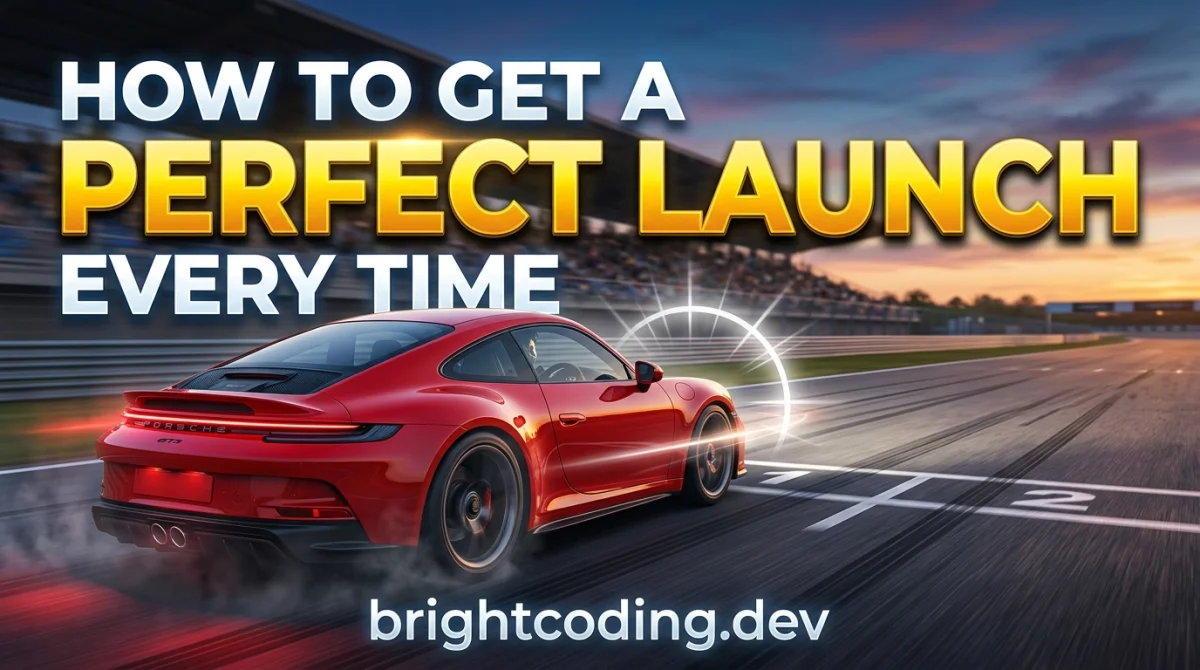
A perfect launch is the cheapest lap time you will ever find. Nail it and you gain two or three car lengths before the first corner, which means you spend the rest of the lap defending instead of attacking. Botch it and you spend the whole race stuck in dirty air, watching someone else's gearbox.
This guide is about launch control in racing games: what it actually does, when it helps, and how to build a repeatable routine so your starts stop being a coin flip. Work through it once and you will have a method you can apply in ten minutes of practice per car, then sharpen over a few sessions.
One thing before we start. Launch behaviour changes a lot between games. Gran Turismo, Forza, Assetto Corsa, F1, iRacing, and arcade racers like the ones in our free browser-games hub all handle standing starts differently. Where I give numbers, treat them as starting points to test, not gospel.
What you need before you start
- A car you actually know. Learning launches in a car you have never driven is a waste of your time.
- A track with a standing start. Time trial and practice modes usually let you restart the launch without doing a full race.
- Your controller or wheel set up the way you race it. Don't practice with assists on if you race with them off, or the reverse.
- Ten to fifteen minutes per session. That is roughly how long it takes to feel a difference, not to master it.
- A way to review your start. Replays or a capture clip. Watching your own launch is humbling and useful.
Step 1: Find out whether your game even has launch control
Some sims give you a launch control button or menu setting. Others expect you to balance throttle and clutch (or brake and throttle, in the case of two-pedal setups) entirely by feel. Some arcade racers just want a perfectly timed throttle press and nothing else.
Spend five minutes in the pause menu and the control settings. Look for terms like launch control, start assist, clutch, or race start. If the game has an assist, turn it on for your first few attempts so you can see what a clean launch looks like, then turn it off and try to match it.
Practical tip: if the game has a documented launch RPM or a rev bar with a marked green zone, that is your target. If it doesn't, you are going to find it by testing in Step 2.
Step 2: Find your car's launch RPM by testing, not guessing
The single biggest mistake is holding full revs and dumping the throttle. In most sims that just spins the rears, triggers traction control, or bogs the engine, and you lose a second before Turn 1.
Here is the routine. Pick a straight, restart, and try a launch at roughly 40 percent revs. Note the result. Restart and try 50 percent. Then 60. Keep going in steps until the car either spins up or bogs down. The sweet spot sits just below the point where the tyres break traction.
For a rough starting range: many rear-wheel-drive race cars launch best somewhere around 50 to 70 percent of the rev range. Some turbo cars want less because the boost hits hard. Front-wheel-drive cars often want a little less again. Verify this per car, because it genuinely varies and I would not trust a single number across a whole garage.
Why it matters: a launch that is 10 percent off the ideal RPM can cost you more than a tenth of a second, which is the difference between leading into Turn 1 and being third.
Step 3: Learn the light sequence, not the lights themselves
Every game with a start countdown uses some sequence. Five red lights. Three, two, one. A flag. A beep. What matters is not the colour of the light, it is the rhythm.
Watch a handful of starts without touching the throttle. Count the interval between each light. That interval is your cue. Your job is to release or apply the throttle at a consistent moment in that rhythm, not to react to the final light.
Why it matters: reaction time to a sudden light is slow and inconsistent. Rhythm is predictable. If you know the third light comes one second after the second, you can prepare rather than react.
Practical tip: in most sims, jumping the start gives you a penalty or a stop-and-go. Practise being slightly late rather than slightly early. A late launch costs you a tenth. A jump start can cost you the race.
Step 4: Handle the first second of wheelspin deliberately
The launch is not a single moment, it is about one to two seconds of throttle management. Once the car is moving, you are managing grip, not revs.
If the rears light up, ease off slightly and let them hook up, then get back on the power. If the car bogs, you were too low on revs and can add throttle earlier next time. Either way, this is a correction, not a panic.
For wheel users, clutch control is a real skill here and worth practising. For pad users, it is usually about throttle modulation, which means a trigger, not a button. If you are launching with a full-throttle button press, you are leaving time on the table.
Step 5: Practise the launch, the shift, and the first corner as one unit
A perfect launch into a messy first corner is not a perfect start. It is a good launch followed by a lost position.
Once you can launch cleanly, start practising the whole opening sequence. Launch, hit your shift point, brake for Turn 1, and take your line. Do it ten times in a row. You are training a routine, not a single input.
Why it matters: the first corner is where launch gains get converted into track position, or thrown away. Plenty of drivers win the start and lose the position anyway because they arrive at the braking zone too hot.
If you want to dig into racecraft beyond the start, our rank-up competitive guides go deeper on positioning and defending.
Step 6: Review the replay and change one thing at a time
After a session, watch your starts back. Look for three things: how much wheelspin you had, whether you lost or gained time to the car beside you, and whether you arrived at Turn 1 in control.
Change one variable per session. Launch RPM this time. Throttle application next time. If you change three things at once, you will never know which one helped.
Approximate time investment: expect two or three short sessions (fifteen minutes each) before a launch feels automatic. If it takes longer, that is normal, especially in high-power rear-wheel-drive cars.
Step 7: Adapt the routine per car and per track
A launch that works in a GT car will not work in a formula car. Turbo lag, tyre compounds, and traction all change the ideal RPM and the ideal throttle ramp. Track surface matters too, and so does temperature if your game models it.
Build a small mental (or written) note per car: launch RPM, throttle feel, and whether you need to short-shift into second. That note is worth more than any generic tip, because it is yours.
Practical tip: if you play a lot of different cars, keep your practice to two or three favourites at a time. Spreading yourself thin across a whole garage makes every launch feel unfamiliar.
Pro tips
Short-shift out of first. In many sims, first gear is short enough that holding it to the redline just wastes time in wheelspin. Experiment with shifting early.
Watch the car beside you, not your own rev counter. Once your launch is consistent, your mirrors tell you more than your dash. Knowing whether you are ahead or behind lets you decide whether to defend or attack into Turn 1.
Turn off traction control for practice, not necessarily for racing. Practising without it teaches you the limit. Racing with it on is a legitimate choice, especially in longer races where consistency matters more than a tenth at the start.
Learn the false start window. Most games have a small tolerance before a jump start is penalised. Finding it safely takes a few attempts, and it is not worth risking in a ranked race until you are confident. Verify the rules in your specific game first.
Do your launch practice in the same session as your race, not weeks earlier. Muscle memory fades fast. Ten minutes before you queue up beats an hour last weekend.
Check your setup if you keep spinning. Launch behaviour is partly a setup problem. Ride height, gearing, and diff settings can all change how the car puts power down. If you are not comfortable tuning, look for a community setup rather than guessing.
Common pitfalls
Full throttle and dump it. It feels fast. It is not. You will spin, trigger traction control, or bog, and you will lose more time than a gentle launch ever would. Fix: use the RPM test from Step 2 and find your actual sweet spot.
Reacting to the final light instead of learning the rhythm. Reaction time is slow and inconsistent. Fix: count the intervals in practice until the sequence feels predictable.
Practising launches in isolation and never linking them to Turn 1. A great start into a bad corner is a net loss. Fix: practise the full opening sequence as one routine.
Changing five things at once. You will never know what worked. Fix: one variable per session, then review.
Assuming your favourite car's launch works everywhere. It does not. Fix: build a short note per car and per track, and re-test when you switch.
Ignoring the game's own rules on jump starts. A penalty wipes out any launch gain instantly. Fix: know the tolerance in your specific game before you push it in a real race.
Useful resources
- Your game's official patch notes and update logs. Launch behaviour gets tweaked in patches more often than you would think.
- Community setup sharing sites and forums for your specific sim. Good for gearing and diff advice, but test everything yourself.
- Telemetry apps if your game supports them. Comparing your launch trace to a faster driver's is the fastest way to spot what you are doing differently.
- The tips, tricks and guides hub on GamingUp for adjacent skills like braking and racecraft.
- Our free gaming tools page, useful if you want to track practice sessions or lap times without installing anything.
- If you want quick, low-stakes practice between serious sessions, the daily challenge is a decent warm-up.
FAQ
Does launch control make me faster automatically? No. It usually prevents a disaster rather than creating a gain. A clean manual launch will often beat an assisted one in sims, because you can tune it to the car. Use the assist to learn the shape of a good start, then take over.
What RPM should I launch at? There is no universal number. Most rear-wheel-drive race cars in sims land somewhere around 50 to 70 percent of the rev range, but turbo cars, front-wheel-drive cars, and formula cars all differ. Test in steps of about 10 percent and find where the tyres stop spinning.
How long does it take to get consistent? Roughly two or three short practice sessions of about fifteen minutes each for one car. If you switch cars constantly, it takes longer, because you are relearning the feel each time.
Is it worth practising launches if I race with assists on? Yes, but practise with the assists in the state you race them. Assists change how the car responds, so practising without them and racing with them on teaches you the wrong reflexes.
Why do I keep getting jump start penalties? You are probably reacting too early to the final light. Learn the rhythm of the sequence instead, and aim to be consistently slightly late. Verify the exact penalty rules in your game, because they differ.
One last thing
Launching is one of the few skills in racing games you can genuinely improve in an evening. It is small, repeatable, and it pays off in every single race. Pick one car, spend fifteen minutes on the RPM test, then run ten full starts into Turn 1. Do that a couple of times this week and you will feel the difference before you even reach the braking zone.
Ready to play?
Puzzle, arcade, 3D, word & sports games for every age — instant play, no registration.
Comments
No comments yet. Be the first to share your thoughts!