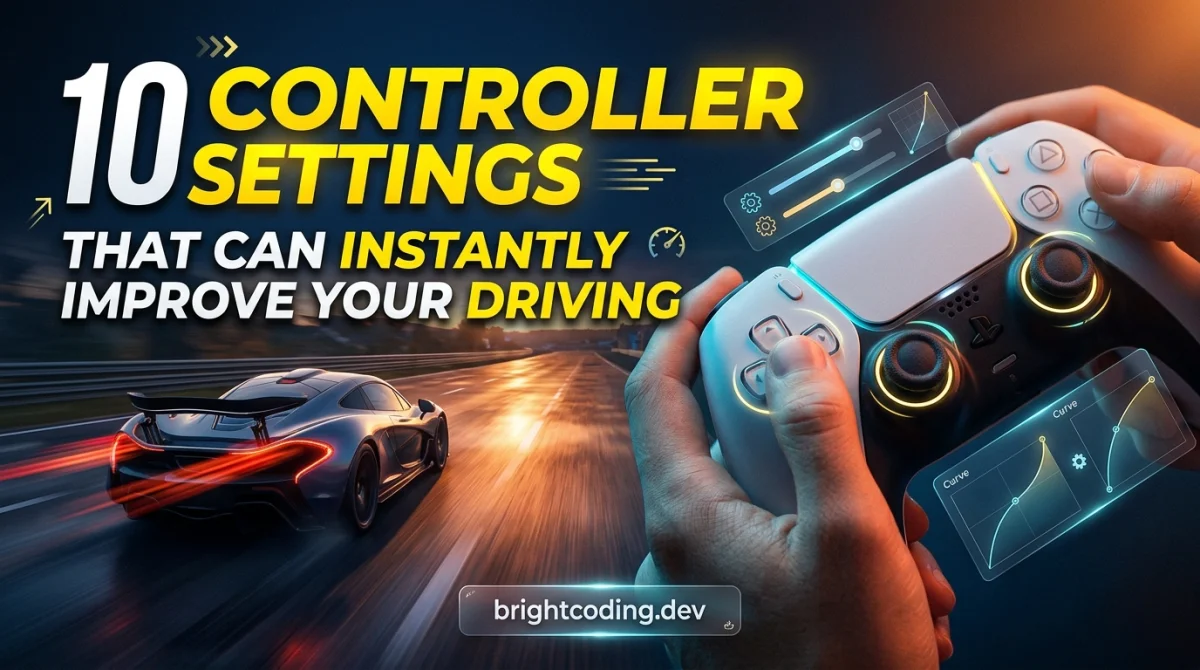
10 Controller Settings That Can Instantly Improve Your Driving
I lost a race by 0.08 seconds last Tuesday because my rear tires touched a curb I had no business touching. Not a big curb. A painted line, basically. My car snapped left, I corrected too hard, and the AI drove past me like I was standing still. I sat there with my thumb still on the stick, controller buzzing faintly, thinking: that wasn't a skill problem. That was a settings problem.
Here's the thing I keep relearning. In racing games, your hands are only as good as the signal you're sending. A controller stick travels maybe 40 degrees of physical arc. Your steering input in the game needs to cover hundreds of degrees of virtual rotation. Everything in between is software guessing what you meant. Most of the settings that matter are just arguments with that guess.
The backstory
I've been playing racing games on a pad for years, mostly because I don't have a wheel and my desk is too small for one anyway. For a long time I assumed I was just mediocre. Then I spent about six hours over one weekend doing nothing but fiddling with menus and re-running the same three corners in a time trial. Six hours, no racing. Just menus and short bursts of driving to test one thing at a time.
It was the single biggest jump in pace I've ever gotten from any game, and I didn't get faster. I got more consistent. Turns out consistency is where the lap time actually lives.
Beat one: the deadzone that was eating my input
The first thing I changed was the steering deadzone, and honestly it felt like cheating.
Default deadzones exist so your car doesn't twitch when the stick is slightly off-center from wear or a thumb resting on it. Reasonable. But on my controller the default was wide enough that the first few degrees of stick travel did nothing at all. So I'd push, feel nothing, push harder, and then the car would suddenly veer because I'd blown past the useful range.
I dropped it in small steps. Too low and the car started drifting on its own down straights, which is maddening. I settled somewhere around the point where the car stays straight when I let go but responds the instant I move. That number will be different on your pad, and it depends on how worn your sticks are. Don't copy mine. Find yours by parking on a straight and watching what the car does with your thumb off the stick.
Beat two: learning the difference between deadzone and saturation
This is the one that took me an embarrassing amount of time to understand.
Steering saturation sets how much stick travel equals full lock. Default is usually 100 percent, meaning you need to push the stick all the way to the edge to get maximum steering angle. On a pad, that's a problem, because the full edge is where your thumb has the least control. You're steering with the last, twitchiest 20 percent of the range.
I pulled saturation down to roughly 80 to 85 percent depending on the car class. Now full steering lock arrives before I hit the mechanical edge of the stick, and the whole range I actually use is smoother. Forza, Gran Turismo, Assetto Corsa, most sim-adjacent games have this. If yours only has "steering sensitivity," that's usually the same knob wearing a different name.
Trade-off: less fine control at the very top end, which matters for hairpins if you like to be gentle. I don't, so I'm happy.
Beat three: triggers, and why my braking was always late
Braking was my worst habit for years. I'd stab the trigger, the car would nose-dive, and I'd lose the rear on entry. I blamed the car.
The fix was trigger deadzone and, in games that have it, brake linearity. A short trigger pull means the first bit of travel does nothing, then the brakes come on hard. Setting the deadzone tighter let me trail off the brake gradually instead of on/off. Linearity, when it exists, lets you make the middle of the trigger pull do more work, which is exactly where smooth braking lives.
I also turned on ABS in games where it was off. I know. Purists will come for me. But with a trigger that has maybe 15 millimeters of travel, modulating lock-up by feel alone is not realistic, and I'd rather finish the race. If you want to go down the no-assists rabbit hole, the competitive guides on the GamingUp rank-up hub are a better starting point than my stubbornness.
Beat four: the camera and FOV settings nobody talks about
I spent weeks tuning steering and then changed the camera in five minutes and got faster immediately.
A cockpit or hood camera puts you closer to the road, which makes speed readable and corner entry less of a guess. A chase camera is more forgiving but it lies to you about where the car is pointing. I run hood cam in most games now. It took a full evening to stop feeling weird.
Field of view matters too. Wider shows more of the corner ahead, especially on a TV where you're sitting far from the screen. Too wide and everything at the edges distorts and distances get hard to judge. I nudged mine up a few degrees from default and left it. Small change, real difference.
Worth saying: this is the setting most people never touch because it isn't in the tuning menu. It's in display or camera options. Go find it.
Beat five: the stuff I got wrong
I want to be honest about the failures, because tuning articles always make it sound like a straight line to improvement.
I once cranked steering sensitivity to maximum because I read somewhere that fast steering equals fast laps. I spun on the first corner of every race for two days before I admitted it was worse. Sensitivity is not a difficulty slider. Higher is not better.
I also copied a setup from a forum post for a completely different car class and wondered why my lap times got worse. Settings that work for a GT car can make a road car undriveable. Class matters, sometimes more than the settings themselves.
And I ignored vibration for way too long. Once I actually paid attention to the feedback, I could feel the front tires losing grip before I saw it. That's not a setting you change so much as one you stop muting. If you've turned rumble off to save battery, turn it back on for racing.
If you're the kind of player who enjoys understanding why systems work the way they do, the game genres explained hub has a solid breakdown of how sim racing differs from arcade racers, which explains why some of these settings exist in one and not the other.
Honest pros and cons
What tuning settings actually gets you:
- Consistency, which is worth more than raw pace
- Fewer spins and fewer "where did that come from" moments
- A setup you understand, so you can fix problems yourself
- Genuinely faster laps once the input matches your intent
What it costs you:
- Time. My six-hour weekend was not unusual for a proper tune-up
- Per-game work. These menus are not standardized, so you start over each title
- It won't fix a bad line or bad braking points. Settings amplify skill, they don't replace it
- Some games have almost none of these options, and then you're stuck with defaults
What I learned
- Change one setting at a time and drive the same corner again. If you change four things and it feels better, you have no idea which one did it.
- Deadzone and saturation are the two highest-value settings on a controller, and most players never open that menu.
- Consistency beats aggression. My fastest laps came after I stopped trying to be fast.
- Camera and FOV are driving settings, not display settings, no matter what the menu calls them.
- If a change feels wrong after 20 minutes, it's wrong. Trust your hands over your theory.
Quick practical tips
- Park on a long straight with your thumb off the stick. If the car drifts, your steering deadzone is too low.
- Set saturation so full lock is reachable without slamming the stick edge. Roughly 80 to 85 percent is a common starting point, then adjust by feel.
- Tighten trigger deadzones before you touch brake pressure or bias.
- Turn vibration on and actually listen to it for a few laps.
- Write your settings down. You will forget them, and the next patch may reset them.
- Test in time trial, not in a race. Traffic ruins your ability to feel what changed.
If you want a low-stakes place to practice this without loading a 60 GB game, the free browser games hub has a few driving titles that are good for drilling smooth inputs. The daily challenge is also a nice five-minute warmup before a real session.
FAQ
Do these settings work on every racing game? No. Names differ, and some games hide steering saturation entirely. Look for anything called sensitivity, linearity, saturation, or deadzone and you'll usually find the equivalent.
Should I just buy a wheel instead? A wheel is better, but it's a bigger commitment and it takes up space. A well-tuned controller will beat a badly set up wheel. I'd tune what you have first before spending anything, and if you do shop around, check the gaming deals hub before paying full price.
How long should tuning take? Expect an hour or two for the basics, more if you're picky. I'd do it in short sessions rather than one long one, because your hands get tired and your judgment goes with them.
My car still spins on corner entry. Is that settings? Probably not. That's usually braking too late or turning in while still hard on the brake. Settings make a good driver smoother. They don't fix a bad entry.
I still lose races by fractions of a second. But now when I do, I know it was me and not a menu I never opened. That's a strangely satisfying thing to be able to say.
Ready to play?
Puzzle, arcade, 3D, word & sports games for every age — instant play, no registration.
Comments
No comments yet. Be the first to share your thoughts!