How to Perform All Special Moves in King of Fighters?
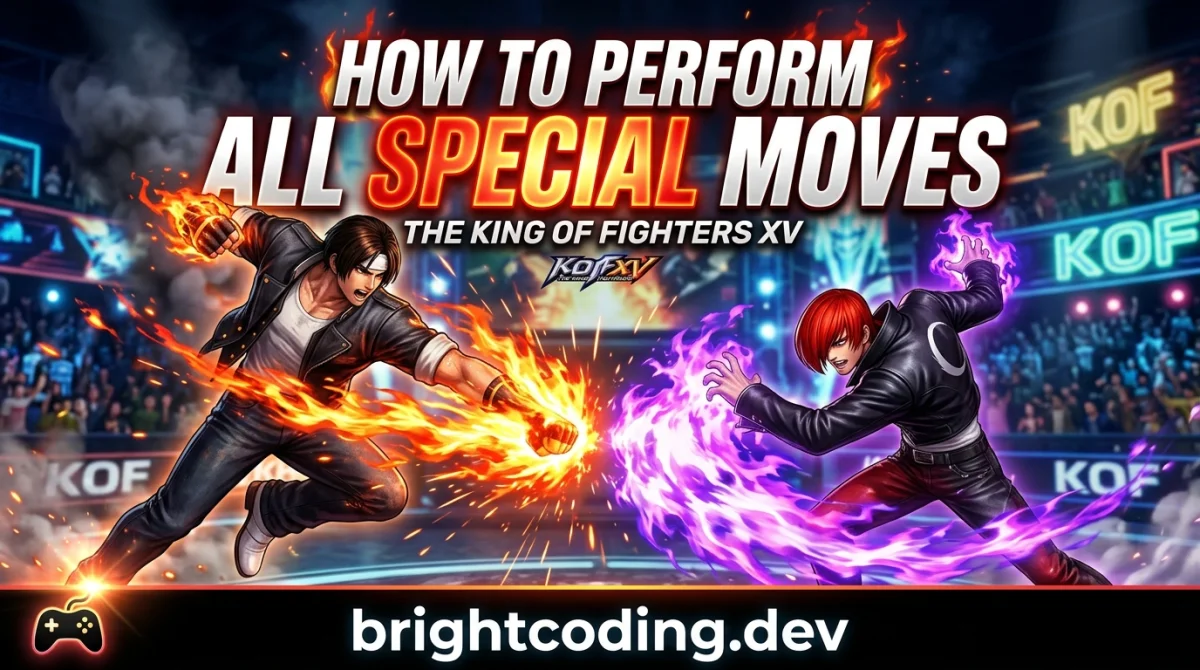
How to Perform All Special Moves in King of Fighters
You fire up The King of Fighters, pick your favorite character, and watch the opponent effortlessly chain together blazing combos while you struggle to land a single fireball. If that sounds familiar, you are not alone. For thousands of players, the gap between knowing what a special move does and actually executing it in a match feels insurmountable.
This guide exists to close that gap. Whether you are new to SNK's legendary fighting game series or returning after a long break, you will learn exactly how special moves work, why execution fails, and the fastest path to landing them consistently under pressure.
The Problem: You Know the Move, But the Input Never Comes Out
In The King of Fighters, special moves are the backbone of every character's toolkit. They extend combos, control space, and turn neutral exchanges into massive damage. Yet many players find themselves in one of three frustrating situations:
- The move does not come out at all, leaving your character standing still or throwing a normal attack.
- The wrong move comes out, usually because the game interpreted your input as a different command.
- The move comes out too late, getting stuffed by the opponent's attack because your execution was slow.
These failures matter because KOF is a fast, momentum-heavy game. A whiffed special move often means eating a full combo. A dropped combo means losing a character. Over time, inconsistent execution erodes confidence and keeps players stuck in lower ranks or arcade difficulty settings.
The most common mistake newcomers make is assuming that special moves require "perfect" inputs. They do not. But they do require correct inputs, and the difference between "close enough" and "actually correct" is smaller than most players realize.
Why Execution Fails: The Hidden Mechanics Behind KOF Inputs
To understand why your moves are not coming out, you need to understand how KOF reads your controller.
Input Notation Confusion
KOF communities worldwide use numpad notation, a system that maps directional inputs to the numbers on a keyboard's numpad. A standard fireball motion becomes 236 + A/B/C/D instead of "quarter-circle forward." If you are reading move lists on forums, wikis, or Discord and do not understand this system, you are effectively trying to read a recipe in a foreign language.
Input Leniency and Buffer Windows
Modern KOF titles (especially KOF XIV and KOF XV) include input buffering and leniency windows. This means you can input a special move slightly before your character recovers from a normal attack, and the game will "store" the command. However, older titles like KOF '98 or KOF 2002 are much stricter. If you are playing a classic version, your timing must be tighter, and your inputs cleaner.
Negative Edge and Button Release
Some KOF games register special moves on button release, not just button press. This "negative edge" mechanic can cause accidental specials if you are holding a button while performing a motion, or it can be used intentionally to make tight links easier.
The Difference Between Special, Super Special, and Climax Moves
KOF uses a tiered move system:
- Special Moves: Basic commands, usually one motion plus a button.
- Super Special Moves (SSMs): Cost one power stock, often require two motions.
- MAX / Climax Moves: Cost multiple stocks or enter specific states like MAX Mode.
Players often try to perform a Super Special Move with the input of a regular special, or they waste meter on a Climax because they did not realize the input overlap.
The Solutions: Four Proven Paths to Clean Execution
Solution 1: Learn Numpad Notation First
Before you practice a single combo, spend fifteen minutes memorizing numpad notation. It is the universal language of KOF.
| Direction | Numpad |
|---|---|
| Down-Back | 1 |
| Down | 2 |
| Down-Forward | 3 |
| Back | 4 |
| Neutral | 5 |
| Forward | 6 |
| Up-Back | 7 |
| Up | 8 |
| Up-Forward | 9 |
A "Shoryuken" motion becomes 623. A half-circle forward becomes 41236. Once you internalize this, every move list in the world becomes readable.
Advantages: Universal across all KOF games and communities. Disadvantages: Small learning curve if you are used to verbal descriptions. Best for: Every player, without exception. Cost: Free. Just time.
Solution 2: Use Training Mode with Input Display
Every modern KOF title includes a training mode with an input display. Turn it on. When you attempt a fireball, watch the display. If you see 2, 3, 6 instead of 2, 3, 6 plus the attack button, you missed the timing. If you see 2, 6 without the 3, you cut the corner.
Advantages: Immediate, visual feedback on exactly what your hands are doing. Disadvantages: Can be overwhelming at first; requires patience. Best for: Players who think they are doing the motion correctly but are actually skipping steps. Cost: Included in the game.
Solution 3: Break Motions into Muscle Memory Drills
Do not practice specials during matches. Practice them in isolation. Spend five minutes per side (player 1 and player 2) performing the same special move ten times in a row without error. Then add a normal attack before it. Then add a jump-in. Build the combo one brick at a time.
Advantages: Builds permanent muscle memory. Disadvantages: Boring. Requires discipline. Best for: Players who panic and revert to mashing in real matches. Cost: Time only.
Solution 4: Choose the Right Controller for Your Hands
KOF demands precise directional inputs. Some players find that a fight stick makes half-circle and full-circle motions smoother because of the larger gate. Others prefer a hitbox or mixbox for cleaner cardinal directions. Many top players use gamepads successfully, especially those with good D-pads.
Advantages: The right controller reduces execution fatigue and increases consistency. Disadvantages: Fight sticks and hitboxes cost $150 - $300. Best for: Players who have consistent execution on some motions but struggle with others due to hardware limitations. Cost: $0 if you already own a suitable controller; $50 - $300 if upgrading.
The Best Choice Depends on Your Situation
There is no single "best" way to learn KOF special moves. The right approach depends on where you are starting from:
- If you are completely new: Start with Solution 1 (numpad notation) and Solution 2 (input display). You cannot fix what you cannot see.
- If you know the notation but drop combos: Move to Solution 3 (muscle memory drills). Your brain knows the combo; your hands do not.
- If you have been playing for months and still struggle with specific motions: Evaluate Solution 4 (controller choice). A square-gate fight stick makes half-circles easier. A hitbox makes charge characters more consistent.
For most players, the fastest path is Solution 2 followed by Solution 3. See your mistakes, then drill them away.
Step-by-Step Action Plan: Go from Dropped Inputs to Match-Ready Execution
Follow this checklist in order. Do not skip steps.
- Open training mode and enable input display. Spend ten minutes performing your character's most basic special move (usually a fireball or DP motion) until you can do it ten times consecutively on both player 1 and player 2 sides.
- Write down your character's special moves in numpad notation. Do not rely on in-game move lists alone. Writing them out forces your brain to process the information actively.
- Practice one combo per day. Pick a bread-and-butter combo that uses one special cancel and one super special move. Drill it fifty times.
- Record yourself or save replays. Watch for moments where you pressed the button too early, too late, or skipped a directional input.
- Add pressure gradually. Once you can land the combo in training mode, practice against a stationary CPU opponent. Then a moving one. Then a human opponent online.
- Review and adjust weekly. Every Sunday, spend twenty minutes in training mode checking your execution on moves you have not used recently. Muscle memory fades if ignored.
Common Mistakes to Avoid
- Mashing during blockstrings. Mashing destroys your inputs. KOF reads clean sequences, not rapid-fire button presses. If you mash, the game sees garbage and outputs nothing.
- Ignoring the player 2 side. Most players practice only on the left side. In matches, you will spend half your time on the right. Your muscle memory must be bilateral.
- Skipping diagonal inputs. On a gamepad, it is easy to hit
2then6and miss3. The game often requires that diagonal. Use input display to catch this. - Practicing only in matches. Matches are for applying what you know, not learning new motions. Training mode is where execution is built.
- Blaming the game for "input drops." Modern KOF titles have robust netcode and input systems. If your move is not coming out, 99% of the time it is an execution issue, not a bug.
- Trying to learn every character at once. Each KOF character has unique special move timings. Master one character's execution before expanding your roster.
Expert Takeaway
Consistent special move execution in The King of Fighters is not about talent. It is about visibility and repetition. Turn on your input display, learn numpad notation, and drill your motions in isolation before you ever worry about combos, strategy, or matchups. The players who land their moves in clutch moments are not magically gifted. They simply put in the boring reps when no one was watching.
Frequently Asked Questions
What is numpad notation in King of Fighters?
Numpad notation is a universal system where directions are mapped to a number pad. 236 means down, down-forward, forward. It allows players worldwide to share combos and move inputs without language barriers.
Why do my special moves come out as normal attacks?
This usually happens because the motion was incomplete or the button was pressed at the wrong time. Use training mode's input display to see if you skipped a directional input or pressed the button before finishing the motion.
How long does it take to learn special moves in KOF?
Most players can perform basic special moves consistently after one to two weeks of daily practice. Complex supers and MAX cancels may take a month or more. The key is short, focused training sessions rather than long, unfocused ones.
Are fight sticks required for KOF?
No. Many professional KOF players use gamepads. However, some players find that fight sticks or hitboxes reduce execution strain for half-circle and 360-degree motions. Use whatever feels comfortable and accurate in your hands.
Which KOF game is best for learning special moves?
KOF XV is the most beginner-friendly due to its modern input leniency, robust training mode, and clear input display. If you prefer classic KOF, KOF '98 Ultimate Match is a strong choice with a large community and excellent tutorials.
Ready to play?
Puzzle, arcade, 3D, word & sports games for every age — instant play, no registration.
Comments
No comments yet. Be the first to share your thoughts!