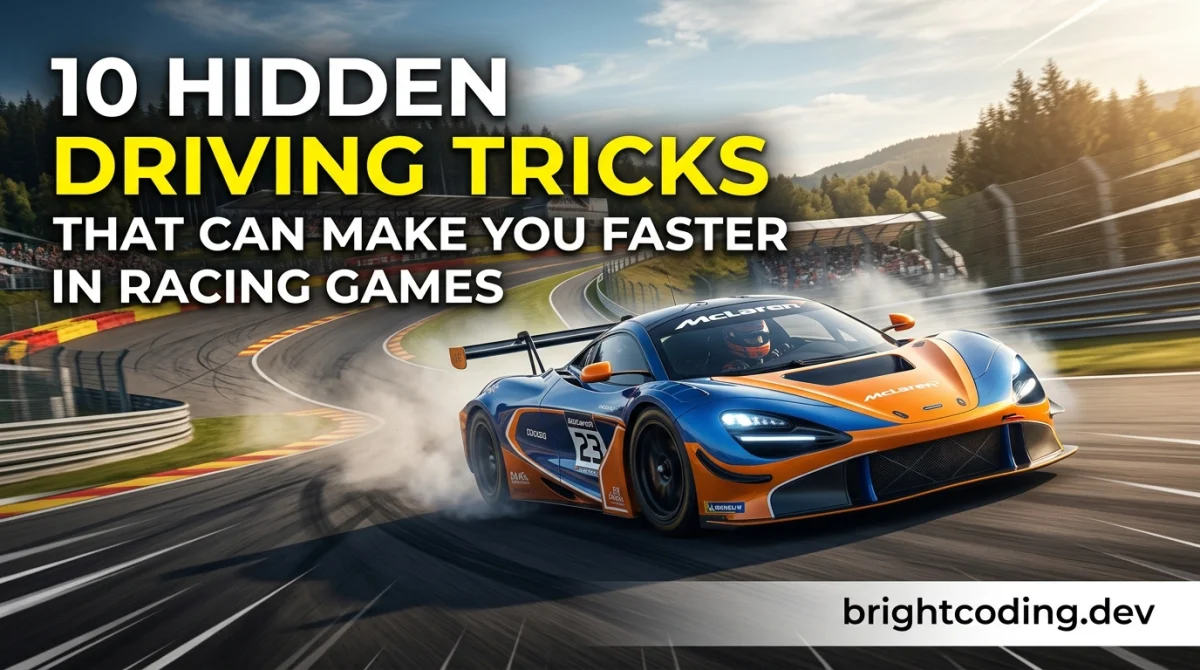
10 Hidden Driving Tricks That Can Make You Faster in Racing Games
Most racing game tips you'll find online are just "brake later" and "take the racing line." Thanks, I've never heard that one before.
The tricks below are the ones you actually have to be told. Small input habits, setup tweaks, and mental shortcuts that shave real time once you understand why they work. Read this and you'll be able to attack a track you've never driven with a plan instead of just mashing the throttle and hoping. Give it about 20 minutes to read, then a session or two in-game to feel each one land.
What you need before you start
- A racing game you can run consistently without frame drops (frame rate matters more than you think - see step 8).
- A controller or wheel you're comfortable with. No need to upgrade anything yet.
- A track you can lap repeatedly. Pick one, not five.
- A way to see your lap times and, ideally, your ghost or a replay.
- Patience for the boring part: doing the same corner fifty times.
That's it. No special gear required, despite what the sim-racing forums will tell you.
The 10 tricks
1. Brake in a straight line, then rotate
This is the single biggest time-saver in almost every racing game, and it's counterintuitive if you're self-taught. Brake hard before the corner while the car is still straight, then ease off the brake as you turn in. Why it matters: tires (or the game's grip model) can only do so much at once. Brake and steer together and you overload the front, so you slide wide and lose the exit.
Practical tip: In most games, aim to be completely off the brake by the apex, then get back on the throttle progressively. If you're still braking at the apex, you braked too late.
2. Trail-braking, explained without the jargon
Trail-braking means staying on a little brake pressure as you turn in, then releasing gradually. It keeps weight over the front tires, which makes the nose bite and the car rotate. It's the difference between fighting a car through a corner and guiding it.
Don't try this on every corner immediately. Start with slow, tight hairpins where you have time to feel what the car does. If you're playing something arcade-leaning, the effect is smaller but rarely zero - worth testing.
3. Short-shift out of slow corners
In games with manual gears (or a manual gearbox mode), shifting up slightly before the redline can put you in a better power band and stop the rear from spinning up on exit. It's a fix for the classic problem of flooring it out of a hairpin and just lighting up the tires.
Practical tip: Watch your replay and check whether you're losing time on corner exit, not corner entry. Most people misdiagnose this. If the car squirms and the revs spike, short-shift.
4. Use the whole track, not the racing line
The painted racing line is a teaching tool, not the fastest route in every car and every corner. Running wider on entry can give you a better angle for the exit, and clipping a curb on the inside can straighten a corner into two. The line assumes a generic car; you're driving a specific one.
Practical tip: Turn the racing line off for a few laps. You'll be slower at first and then faster, because you'll actually be reading the track instead of following a dot. If you want more structured practice, the rank-up competitive guides cover this mindset for competitive play.
5. Lift and coast to fix understeer
When the car won't turn and just pushes wide, most players add more steering lock. That makes it worse. The fix is usually to lift off the throttle briefly - the weight shifts forward, the front tires bite, and the car turns. It feels wrong. It works.
Practical tip: If you're sawing at the wheel mid-corner, you're already in trouble. One small lift earlier beats ten corrections later.
6. Master one corner before the whole lap
Pick the corner you're worst at and spend a full session on it. Not the lap - the corner. Do it twenty times in a row, changing one thing each time. This is tedious and it's the fastest way to actually improve, because lap times hide which corner is costing you.
Practical tip: Compare your ghost at that specific corner, not at the finish line. If you're up half a car length after turn three every lap, that's your problem area.
7. Learn the track's camber and elevation
Tracks aren't flat. A corner that looks identical to another one might have a downhill entry (less grip, brake earlier) or an off-camber surface (the road tilts away from the corner, so you slide more). Games model this, sometimes subtly.
Practical tip: Drive a lap at 60% pace and just look. Where does the road dip? Where does it tilt? Those details change your braking points more than any setup tweak.
8. Fix your frame rate before you fix your driving
Input lag quietly ruins your lap times. If your game is running at an unstable frame rate, your braking points will drift and you won't know why. Cap the frame rate if it's jumping around, drop a graphics setting or two, and make sure the display's game mode is on if you're on a TV.
Practical tip: Consistency beats peak frame rate. A locked lower number is easier to drive than a number that bounces around. This is free speed and almost nobody bothers.
9. Steal from the leaderboards, properly
Don't just watch a fast replay - watch it at half speed and note when the driver brakes, not just where. Braking points are the fastest thing to copy and the easiest to get wrong. If the game supports ghost downloads, race against a ghost that's about one second faster than you, not ten.
Practical tip: A ghost that's way faster than you will just disappear into the distance and teach you nothing. Beat your own ghost, then the next one up.
10. Practice deliberately, not just a lot
Twenty focused laps beat two hundred mindless ones. Before each session, pick one thing to work on: trail-braking, short-shifting, a specific corner. After the session, note what felt different. Sounds overly serious for a game - it's also how the fast players got fast.
If you want low-stakes reps between serious sessions, the free browser-games hub is a decent place to keep your inputs sharp without the pressure of a ranked lobby.
Pro tips
- Brake earlier than you think on your first lap of any session. Cold tires, cold brain. You'll find the limit faster by approaching it from below.
- Listen to the engine, not the tachometer. Audio cues arrive before the needle moves, and in most games they're accurate.
- Turn off assists one at a time. Turning everything off at once makes the car feel broken. Start with traction control.
- Set your field of view so you can see into the corner. If you can't see the apex before you reach it, you're driving blind, no matter how good your inputs are.
- Do a cooldown lap where you drive at 70%. It resets your hands and stops you from over-driving after a frustrating session.
- Check the tips, tricks & guides hub when you're stuck on a specific game. Vehicle handling rules vary wildly between titles, and generic advice only gets you so far.
Common pitfalls
Braking too late, every time. It feels faster and it isn't. If you're consistently running wide, move your braking point back by a car length until you hit the apex cleanly, then inch it forward.
Over-driving the car to "make up time." Muscling a car through a corner is slower than being smooth. If your hands are busy, you're losing time.
Ignoring the setup entirely. You don't need to be a tuner, but if a car understeers everywhere, no amount of driving fixes it. Learn two or three basic adjustments (brake bias, downforce, gearing) and leave the rest alone.
Practicing on five different tracks. You'll improve at none of them. One track, one car, until it clicks.
Chasing a single fast lap instead of consistent laps. A lucky lap isn't skill. Consistency is what wins races, and it's what makes your fast laps repeatable.
Useful resources
- Your game's own telemetry or replay tools, if it has them - free and more useful than anything external.
- Community time-trial leaderboards, which usually let you download ghosts.
- Sim-racing forums and subreddits for game-specific setup advice (search the exact car and track).
- The gaming deals & free games hub if you're looking to try a new racer without spending much.
- The free gaming tools section for anything that helps you track or compare your runs.
Verify anything you read about specific games - handling models get patched, and a setup guide from two years ago may be useless now.
FAQ
Do I need a racing wheel to get faster? No. Plenty of very fast players use a controller. A wheel can help with smooth inputs eventually, but it won't fix bad braking habits. Verify for your specific game, since some titles have controller-specific settings worth tuning.
How long until I actually see improvement? If you practice deliberately, expect to feel a difference within a few sessions and see it in lap times within a week or two. Mindless grinding can take months and still not help.
Should I turn off all the assists? Turn them off one at a time, starting with traction control, and only when you're comfortable. Turning everything off at once usually makes you slower for weeks before it makes you faster.
Does setup matter more than driving? Driving matters more, always. A good driver in a mediocre setup beats a mediocre driver in a perfect setup. Fix your inputs first, then tune.
What's the single fastest fix? Braking in a straight line and getting off the brake before the apex. It's unglamorous and it's worth more than any setup change.
One last thing
You don't need to be a natural. You need to be willing to be slow and specific for a while before you're fast. Pick one trick from this list, take it to one track, and spend twenty minutes with it. That's the whole secret - the rest is just repetition and attention. Now go set a time you're a little bit proud of.
Ready to play?
Puzzle, arcade, 3D, word & sports games for every age — instant play, no registration.
Comments
No comments yet. Be the first to share your thoughts!